---
updatedAt: 2025-06-18T13:14:40.000Z
agentTools:
projectIndex: https://docs.buckaroo.io/llms.txt
---
# Connection with Buckaroo
## Website key
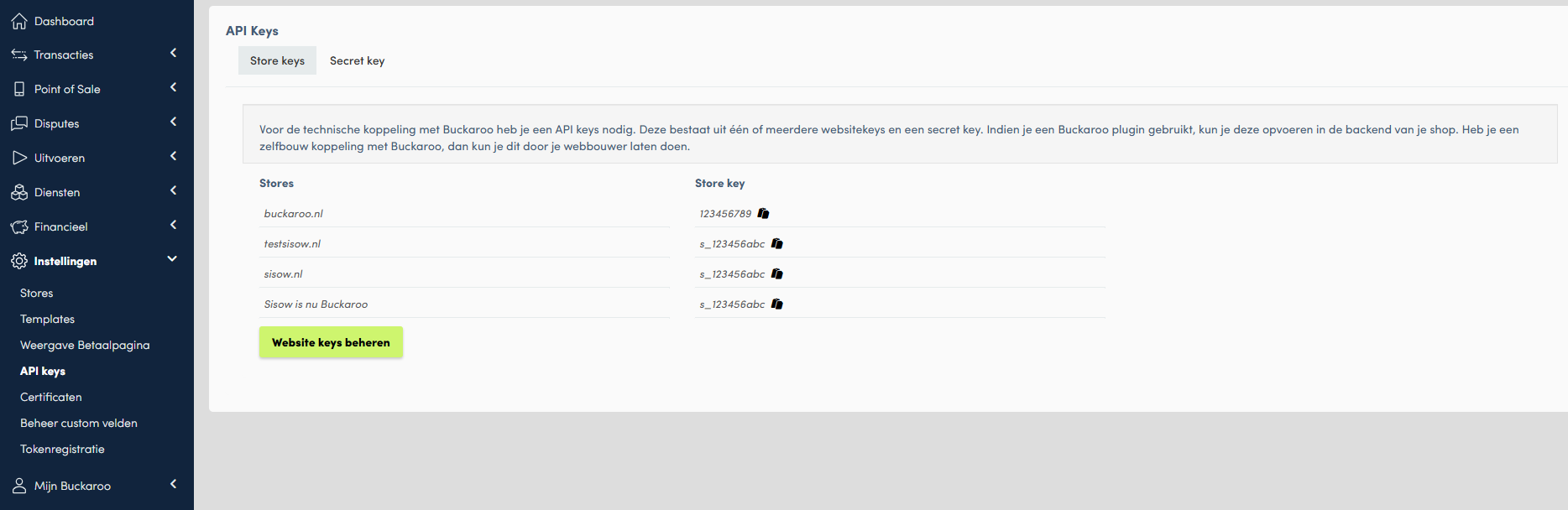
Every website in your Buckaroo account has a unique key. This key can be found under [Settings > API Keys](https://plaza.buckaroo.nl/Configuration/Website/Index/).
## Secret key
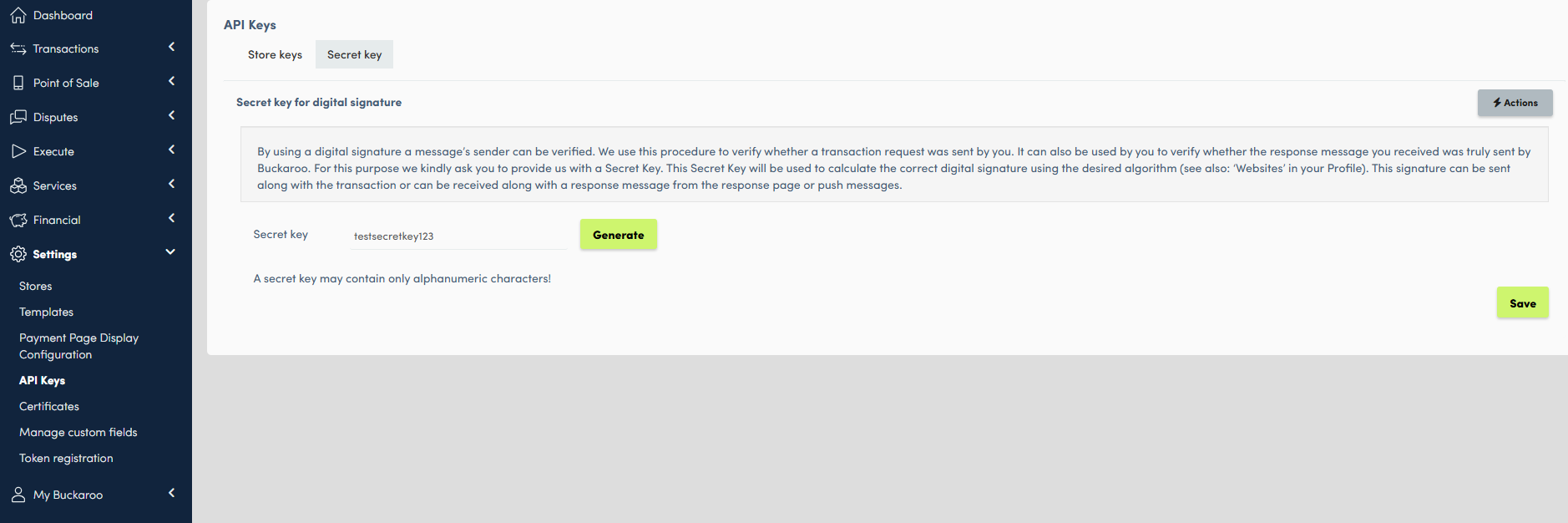
To connect with your Buckaroo account, set up a Secret key also under [Settings > API Keys](https://plaza.buckaroo.nl/Configuration/Merchant/SecretKey).
To view your existing secret key (if ever previously configured) you can retrieve it by clicking the Retrieve SecretKey button.
You can generate a random secret key by pressing the Generate button.
Do not forget to save after configuring or generating a new secret key.
Please be aware to update the secret key in your website or application after configuring or generating a new secret key since there is only one and the same secret key bound to every store in your account.
## Certificate & fingerprint
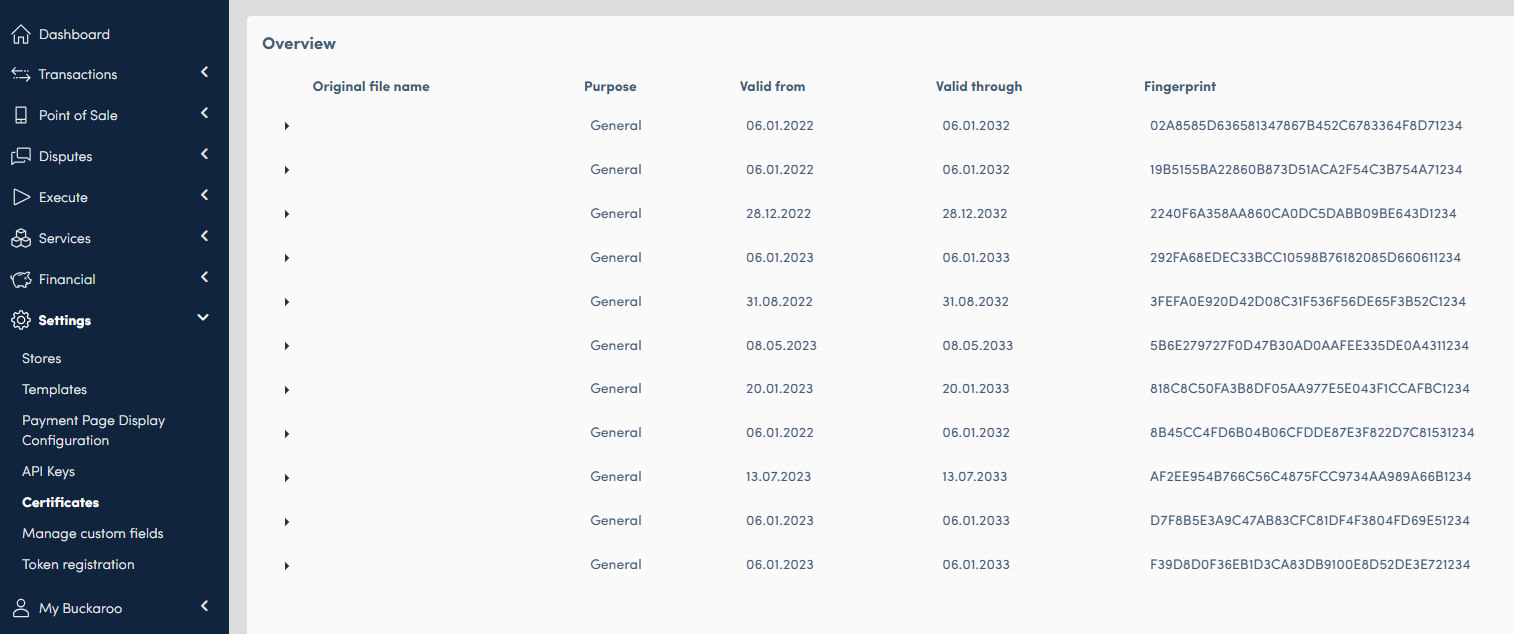
Some plugins or applications require a certificate. Set up a certificate under [Settings > Certificates](https://plaza.buckaroo.nl/Configuration/Certificates/Index).
You cannot download a certificate once again after creating one. You would have to generate a new certificate in that case.