

Order a new terminal
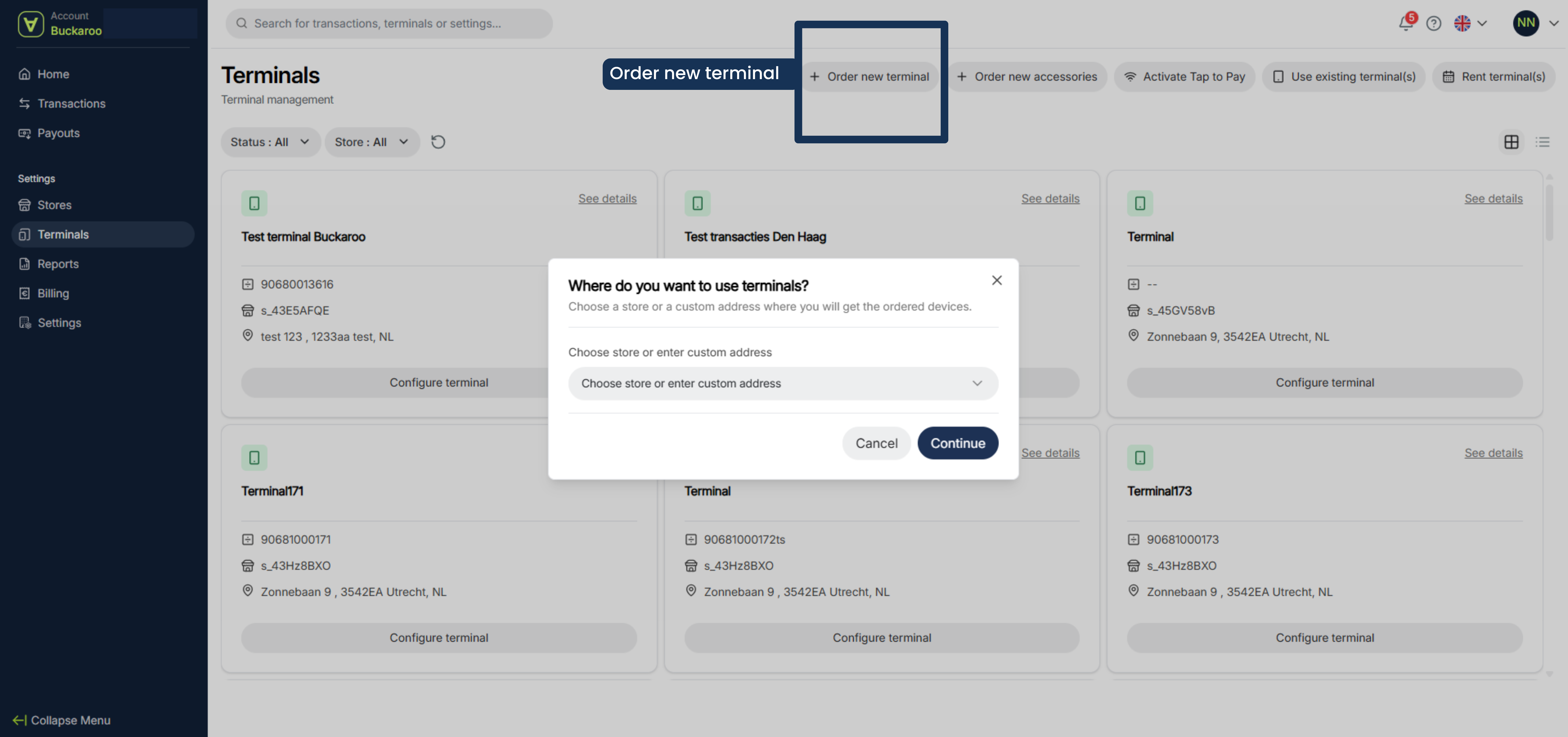
- Click on Order new terminal
- Enter the address where you want to use the terminal and click on continue
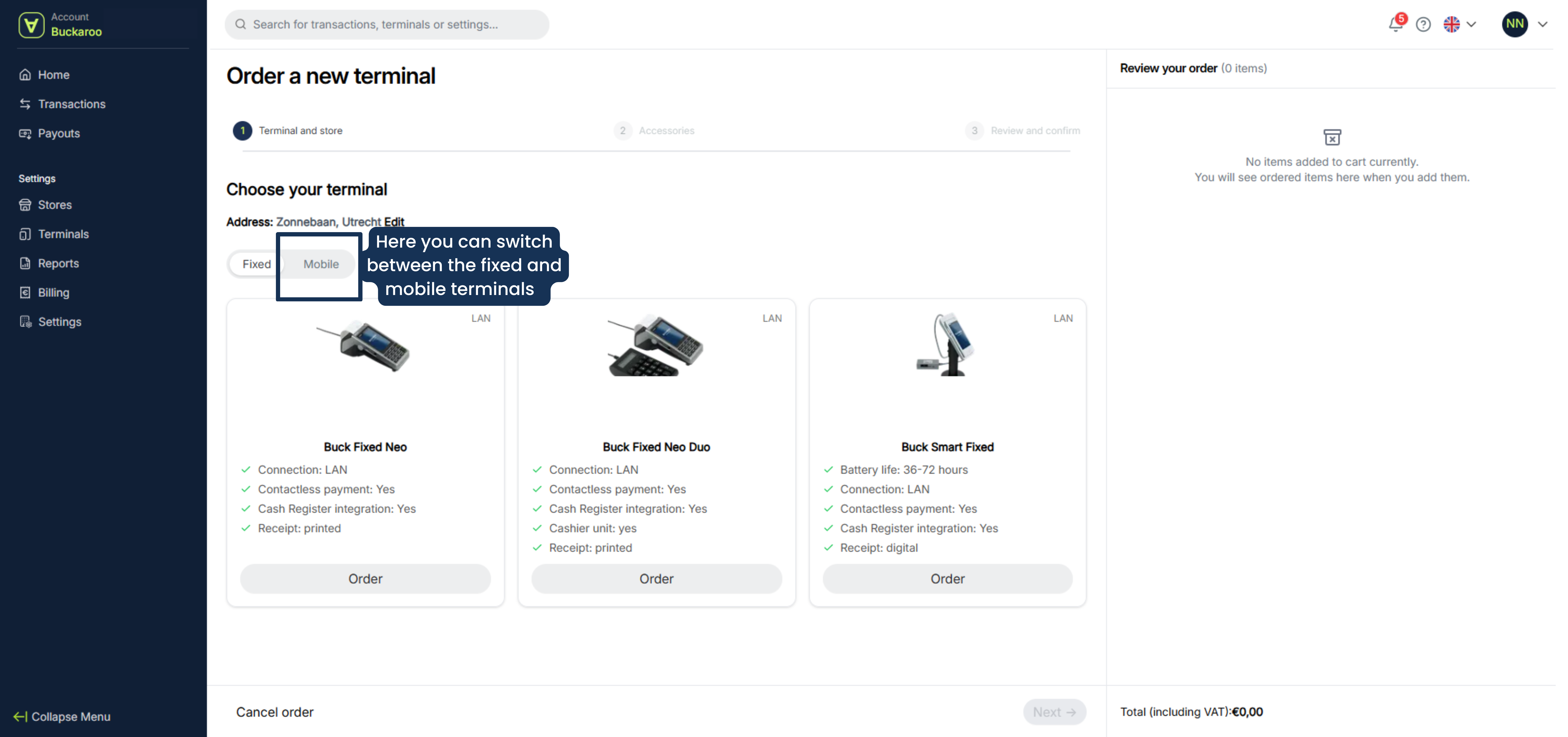
- Select the terminal(s) On the second tab you can find the mobile terminals
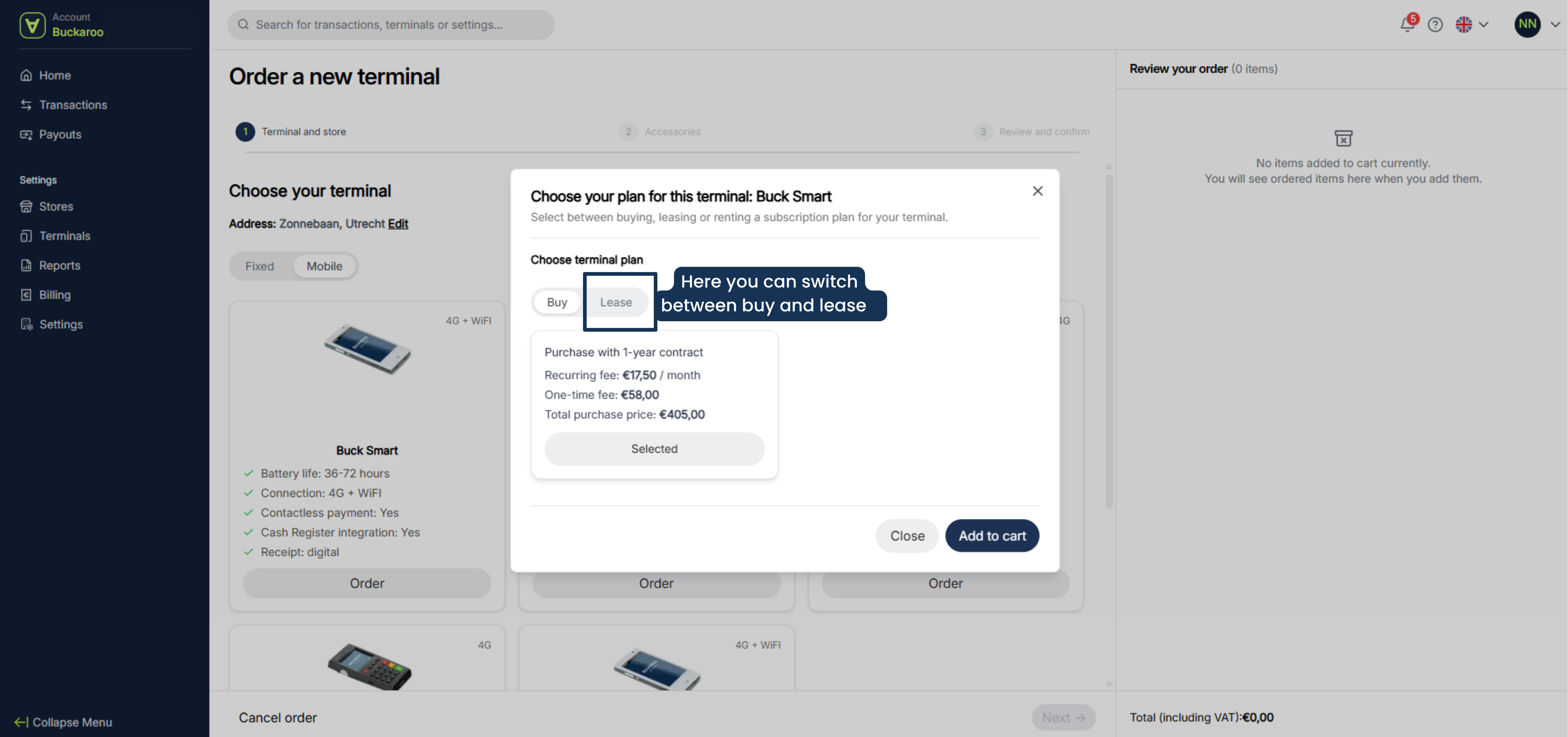
- Select buy or lease
- Select add to chart
- Click on next
- If you need accessories, you can add them here.
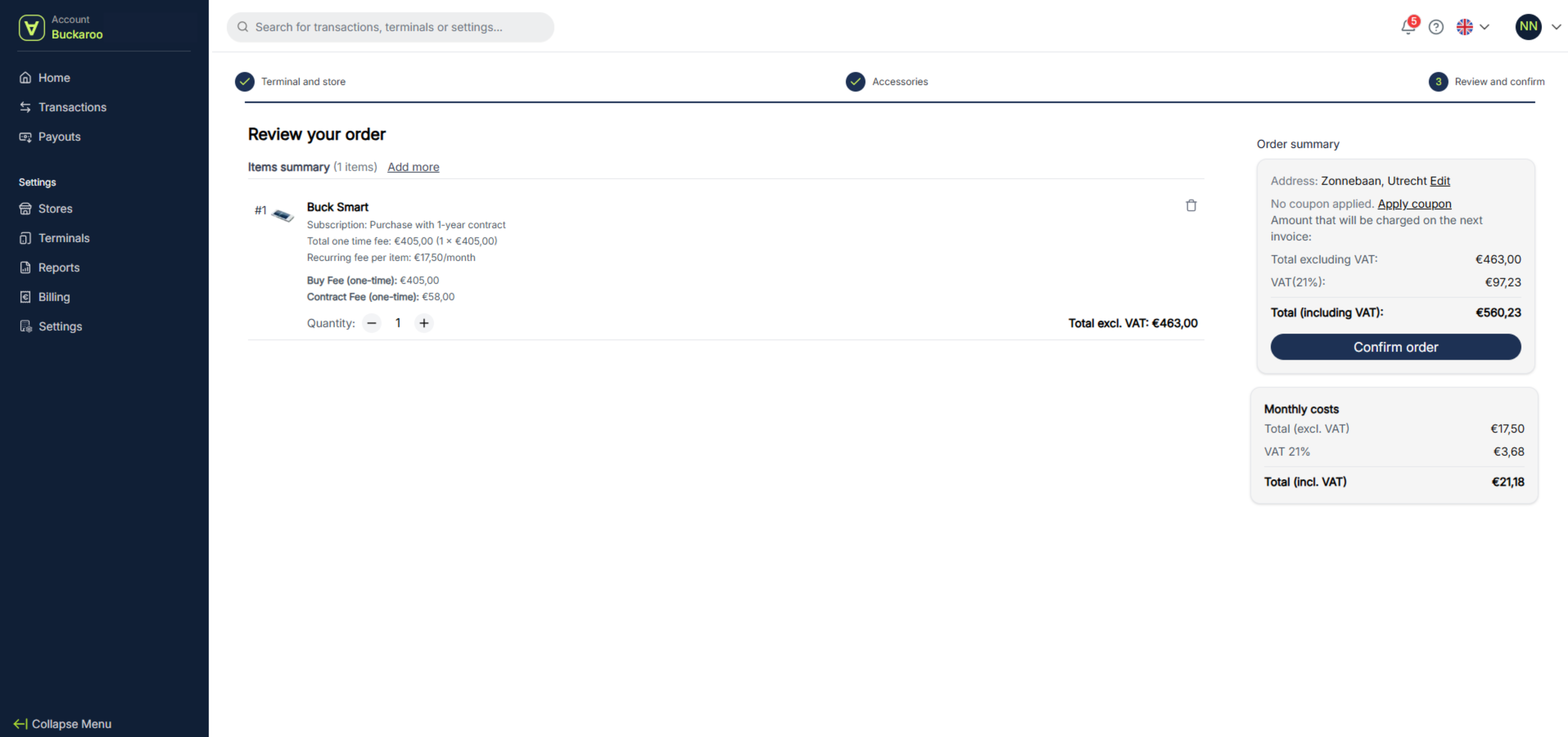
- Review your order. If you want to remove a product from your cart, click the trash icon next to the relevant product and remove the product. If you want to add more products, click “Add more.”
- If everything is correct click on confrim order
- You will receive an order confirmation in your inbox. If you haven’t received a confirmation, your order may not have gone through successfully. Please check your portal to see if there are any pending actions.
Updated 6 months ago
Did this page help you?