

Payout settings
This page displays the payment account IBAN. You can also adjust the payment level here if needed.
Filter Payouts
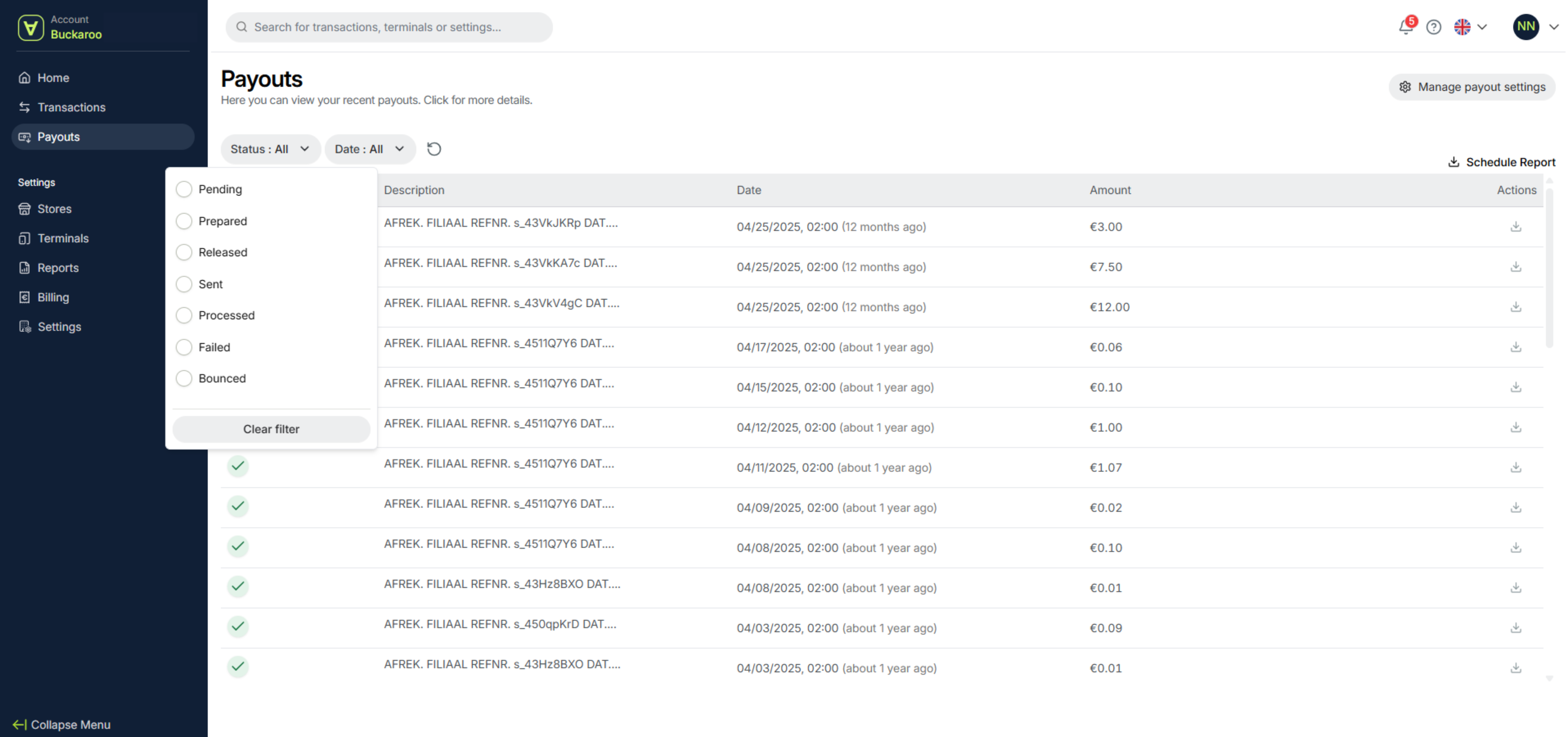
Under Status, you can set a filter to view:
- pending payouts
- prepared payouts
- released payouts
- sent payouts
- processed payouts
- failed payouts
- bounced payouts.
In the date field next to the status filter, you can enter a date range.
You can then download the data as a report via the Schedule Report option. The report will be sent to the email address you entered. It is also possible to schedule the report, so you receive it periodically.
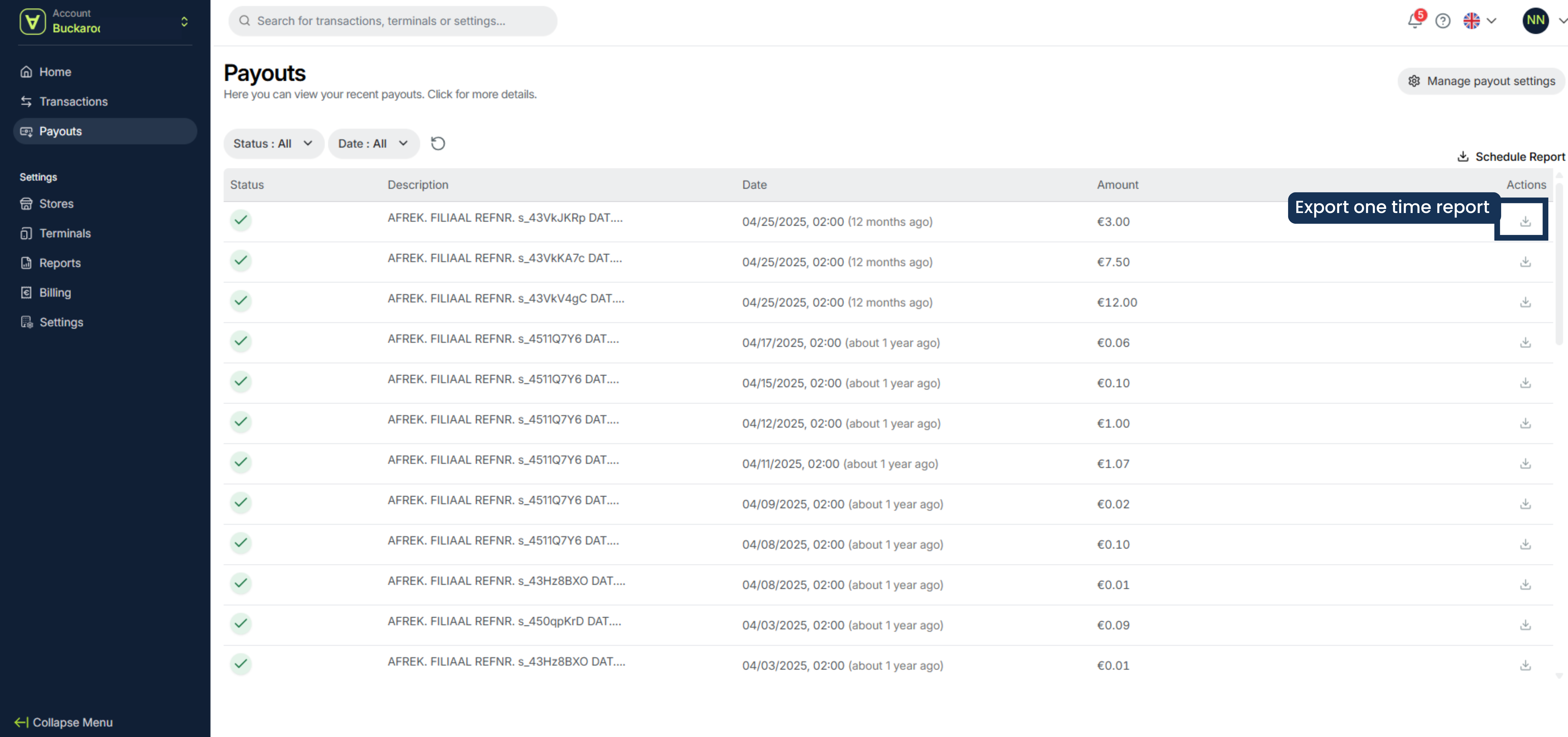
Export a one time report
In addition, you can export an individual payout by clicking the download icon in the Actions column. This one-time report will be sent to your email address.
Updated 6 months ago
Did this page help you?