

Settings
On this page, you can configure payout settings and manage MyBuckaroo users. The Settings section contains three tabs: Payouts, User Management, and Activity.
Payout settings
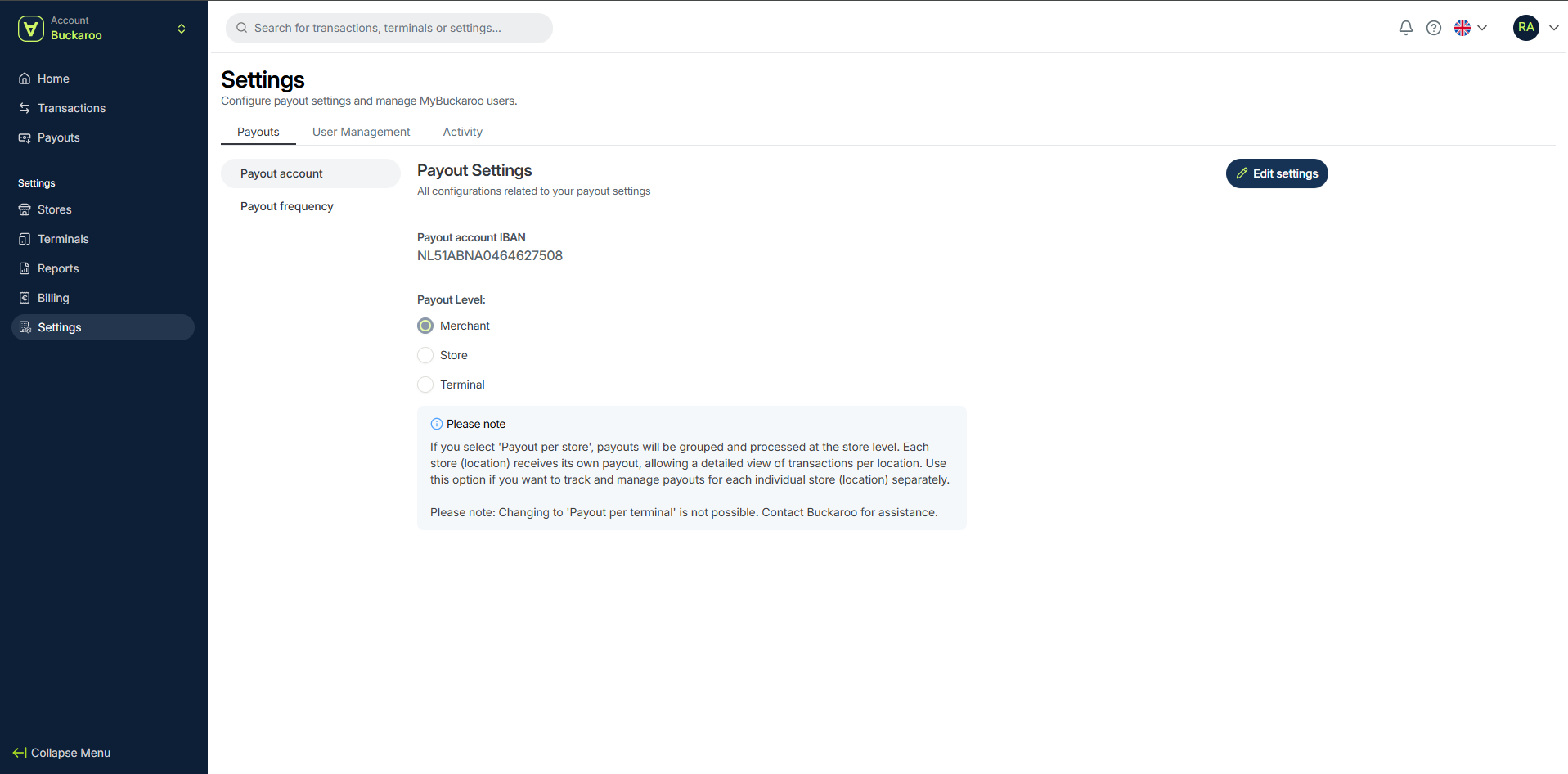
In the Payouts tab, you can manage your payout configuration. This section includes Payout account and Payout frequency.
Payout account
- Payout IBAN – Displays the IBAN where payouts are sent
- Payout level – Defines how payouts are grouped:
-
- Merchant
- Store
- Terminal
If you select Store, payouts are grouped and processed per store. Each store (location) receives its own payout, allowing a detailed overview per location.
⚠️ Changing back to Terminal level is not possible via the portal. Contact Buckaroo for assistance.
Payout frequency
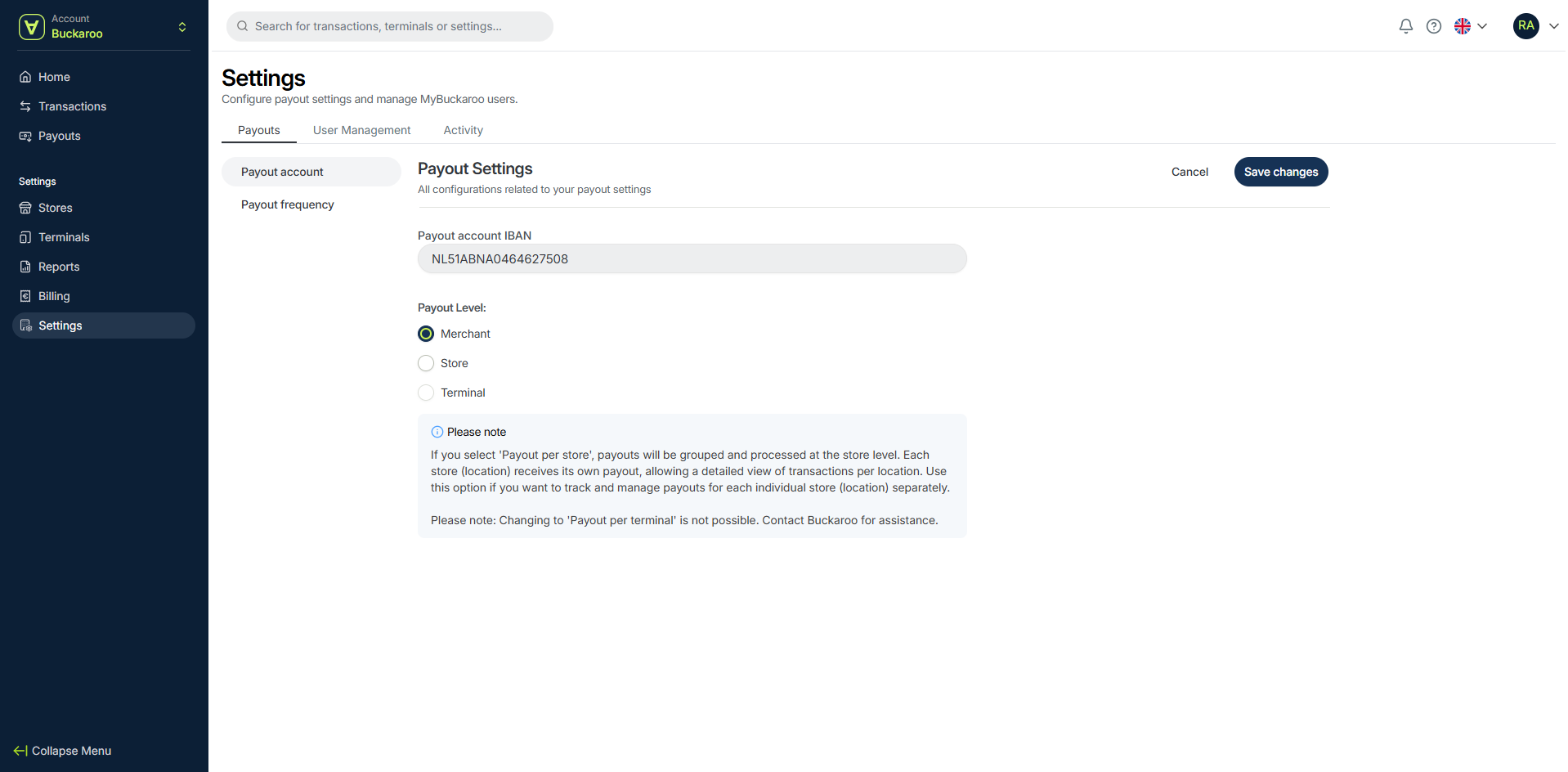
Here you can choose when you receive payouts.
You can select:
- Weekly – Choose one or more days of the week
- Monthly – Choose specific days of the month
Update payout frequency
- Go to Settings
- Open the Payouts tab
- Select Payout frequency
- Click Edit settings
- Choose Weekly or Monthly
- Select the desired day(s)
- Click Save changes
Update payout settings
- Go to Settings
- Open the Payouts tab
- Select Payout account or Payout frequency
- Click Edit settings
- Update the settings
- Click Save changes
User management
In the User Management tab, you can manage all users with access to the portal.
You can:
- View all users
- Filter users by name
- Edit user details and roles
- Remove users
- Add new users
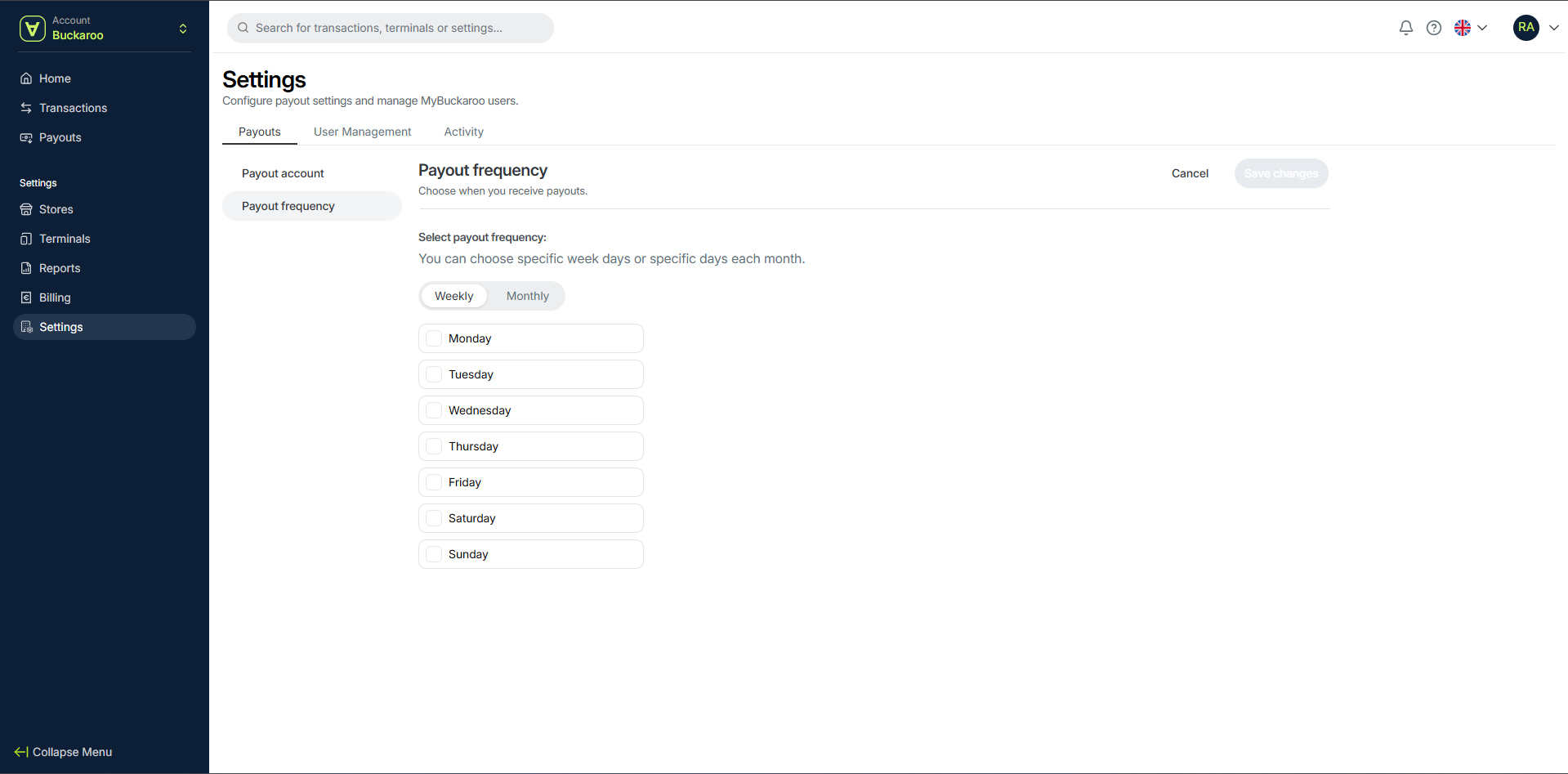
Add a new user
- Go to User Management
- Click Add new user
- Enter the user details
- Assign one or more roles
- Save to create the user
Edit or remove a user
- Locate the user in the list
- Use the action icons on the right:
- ✏️ Edit user
- 👤➖ Remove user
- Update or remove the user
Activity
In the Activity tab, you can view all actions performed by users in the portal.
You can filter activity by:
- User
- Date
- Action
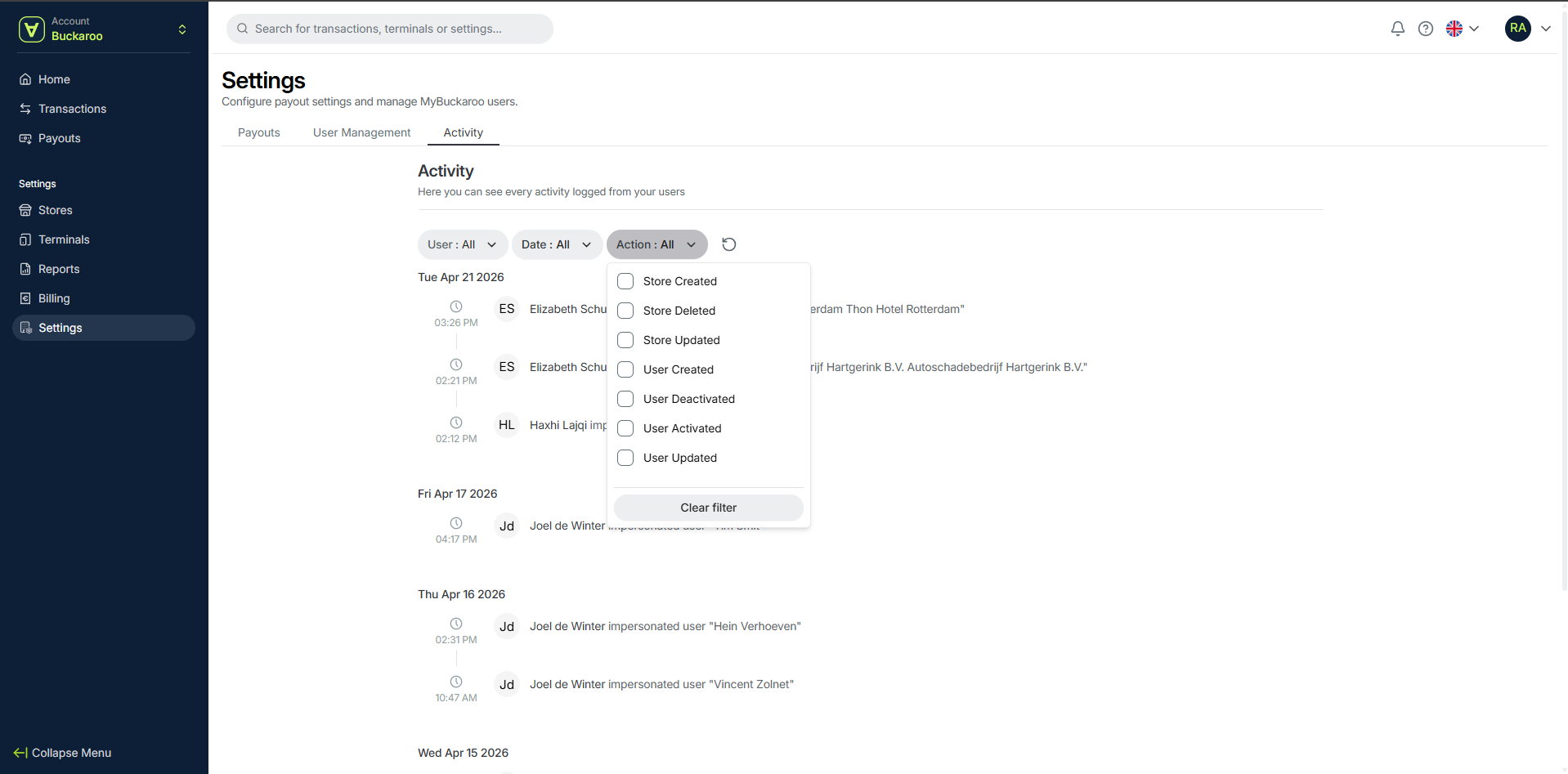
The activity log shows a timeline of events, including timestamps and user actions.
User roles
Each user can be assigned one or more roles.
- Admin – Full access to all sections, including user management
- Financial Admin – Access to sales, refunds, payouts, billing, and stores
- Technical Admin – Access to terminals, stores, and technical settings
- Employee – Can view operational data such as sales and payouts
- ReadOnly – View-only access
Updated 20 days ago