

Static QR
Introduction
Buckaroo supports Wero static QR codes for commercial payments. Static QR codes are typically used in physical or fixed payment environments, such as printed QR stickers, point-of-sale displays or other merchant locations where the same QR code can be scanned repeatedly.
A static QR code does not contain all payment details, such as the amount or order reference. Instead, it redirects the customer to a registered pre-payment page where the payment details can be entered or confirmed before the Wero payment is started.
Buckaroo offers a hosted QR image service to simplify implementation and meet Wero branding requirements.
How static QR codes work
The general flow is as follows:
- The customer scans the QR code with a Wero-compatible wallet.
- Wero opens the registered pre-payment page.
- The customer enters the desired amount on that page.
- The Wero payment flow is started from the pre-payment page.
For security reasons, customers should scan Wero QR codes using a Wero-compatible wallet, such as the stand-alone Wero app or a bank-integrated Wero app.
Usage
Wero static QR codes are intended for QR code stickers or other reusable QR code materials used by merchants.
These QR codes are linked to a store.
Implementation
How to use
Instead of creating the QR code image yourself, you can embed it directly in your document or application by referencing the image URL.
https://wero-qr.buckaroo.io/static?storeId={storeId}&reference={reference}&description={description}&variant={variant}Parameters
| Parameter | Location | Required | Description |
|---|---|---|---|
storeId | Path | Yes | The ID of the Store you want to create a QR code for. |
reference | Query parameter reference | No | Optional: The merchant’s reference. This value can be used for reconciliation. The value must be UTF-8 URL encoded. Max 255 characters |
description | Query parameter description | No | Optional: The payment description shown in the Wero payment flow. The value must be UTF-8 URL encoded. Max 140 characters |
variant | Query parameter variant | No | Optional: Available options are card& sticker.Default: card |
Variants
QR
Default Wero branded QR code.
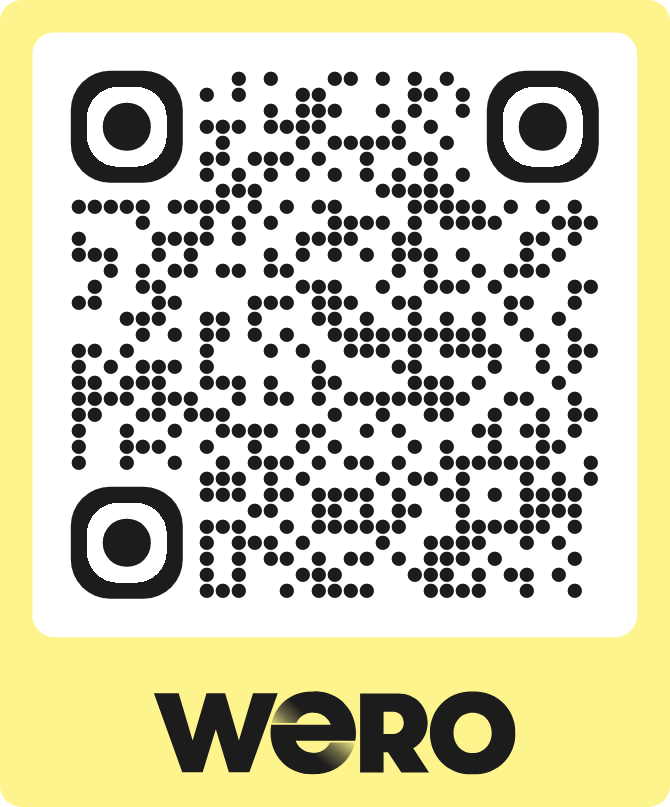
Sticker
Printable Wero branded sticker.
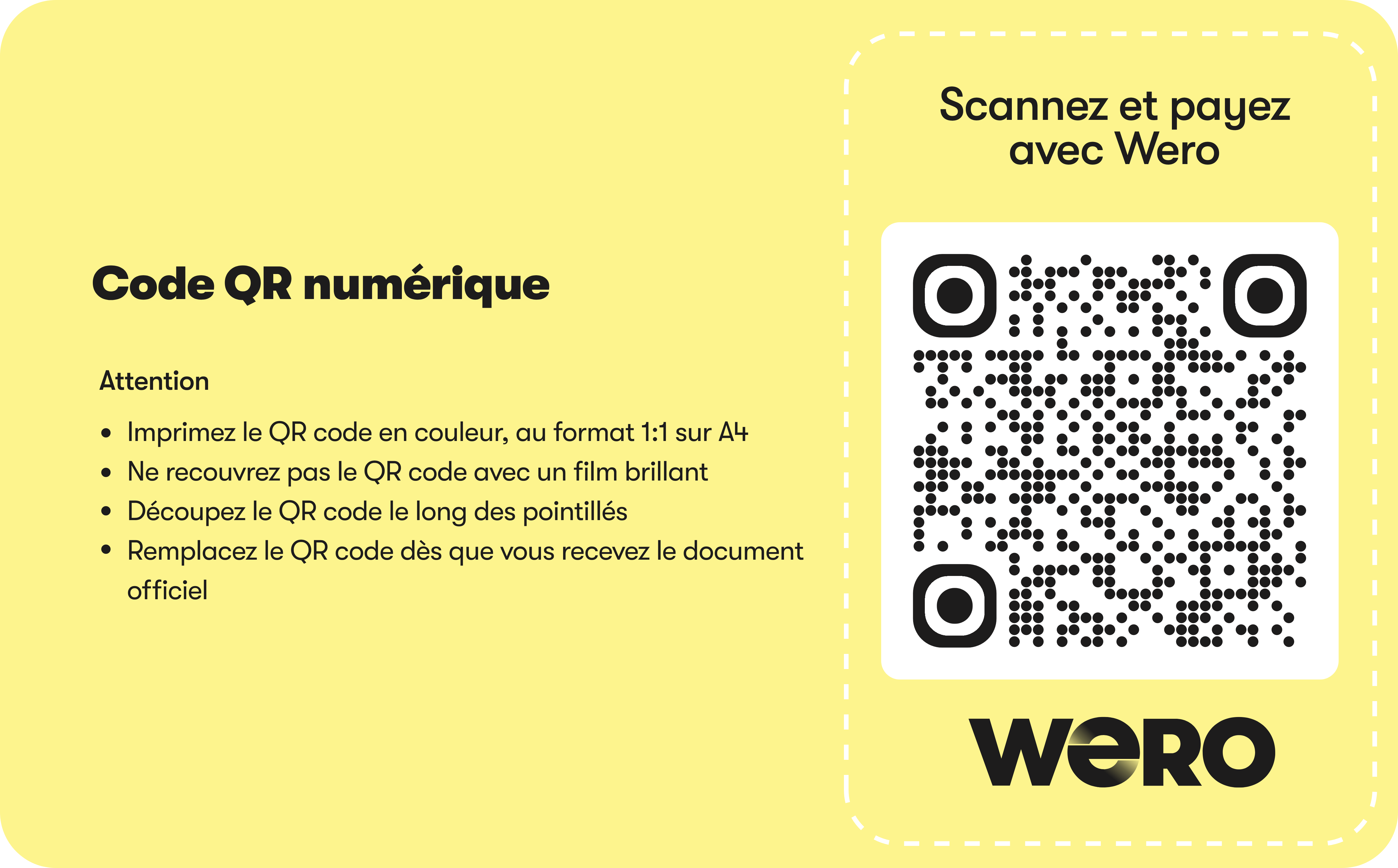
Notes
- Static QR codes are reusable and do not contain fixed payment details.
- The payment details are handled on the payment page.
Updated 3 days ago