

Invoice QR
Generate Wero Invoice QR codes for invoices and offline payment requests by building the image URL with the required parameters.
Introduction
Buckaroo supports Wero Invoice QR codes for commercial payments. This allows merchants to generate a Wero payment QR code without making a real-time API call at the moment the QR code is created.
A common use case is invoice payment. The merchant adds a Wero QR code to an invoice, payment request or other offline communication. The customer scans the QR code with a Wero-compatible wallet and can complete the payment directly.
How it works
Invoice Wero QR codes are URL-based. The QR code contains the payment details, including the store ID, the amount, the reference and the payment description.
When the customer scans the QR code, Wero uses the information in the URL to create the payment request.
Implementation
How to use
Reference the image URL directly in your document or application instead of generating the QR code image yourself.
https://wero-qr.buckaroo.io/invoice?storeId={storeId}&amount={amount}&reference={reference}&description={description}&variant={variant}Parameters
| Parameter | Location | Required | Description |
|---|---|---|---|
storeId | Path | Yes | The ID of the Store you want to create a QR code for. |
amount | Query parameter amount | Yes | The amount to be paid, expressed in euro cents. For example, use 2495 for EUR 24.95. |
reference | Query parameter reference | Yes | The merchant’s order or invoice reference. This value can be used for reconciliation. The value must be UTF-8 URL encoded. Max 255 characters |
description | Query parameter description | No | Optional: The payment description shown in the Wero payment flow. The value must be UTF-8 URL encoded. Max 140 characters |
variant | Query parameter variant | No | Optional: Available options are card, banner_wide, banner_dual_qr & banner_square.Default: card |
URL encoding
The reference and description values must be UTF-8 URL encoded before they are added to the QR code URL.
For example Invoice 2026-0001 becomes Invoice%202026-0001.
Variants
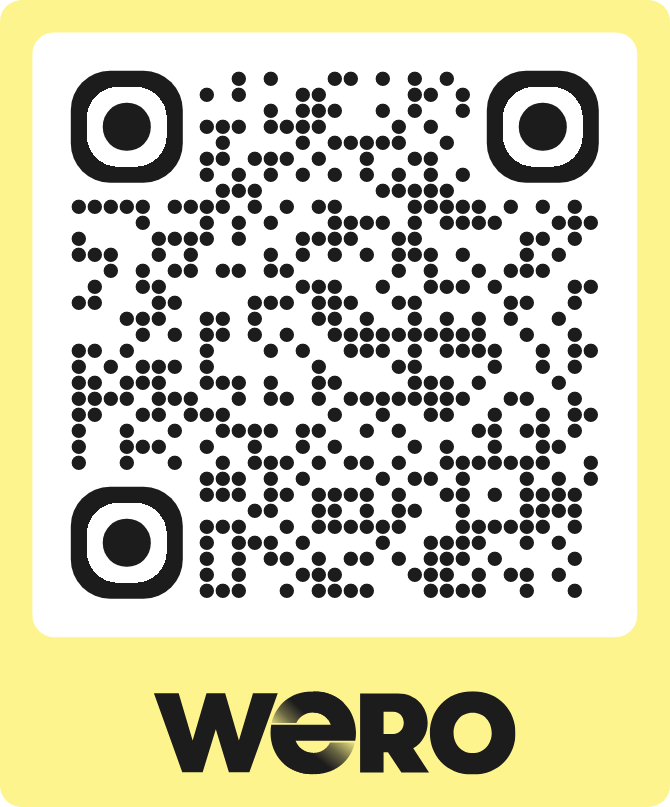
Card
Default Wero branded QR code card.
Banners
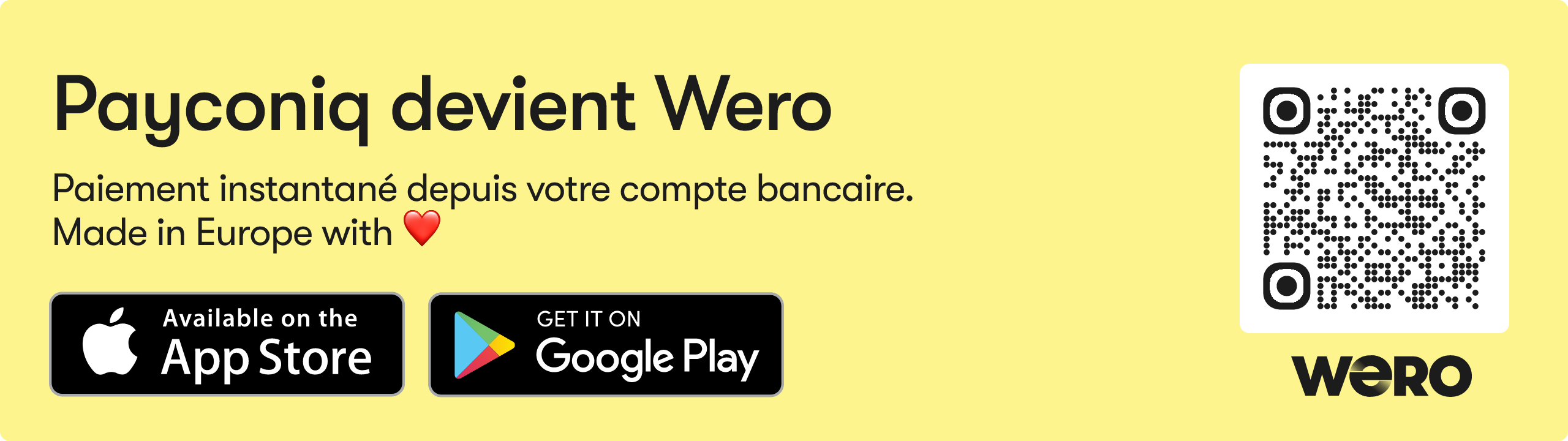
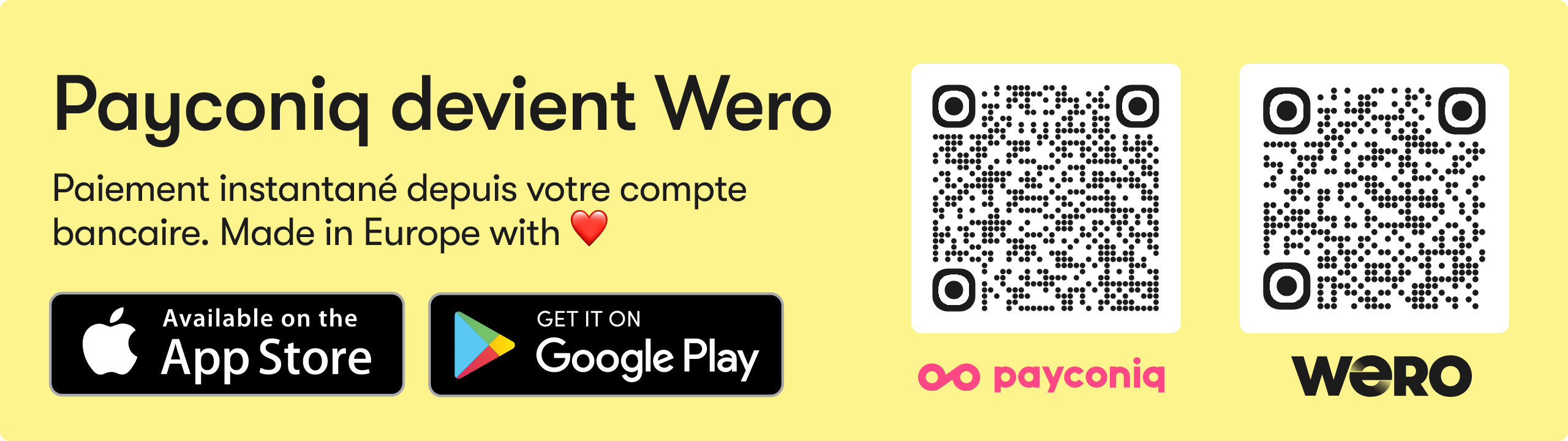
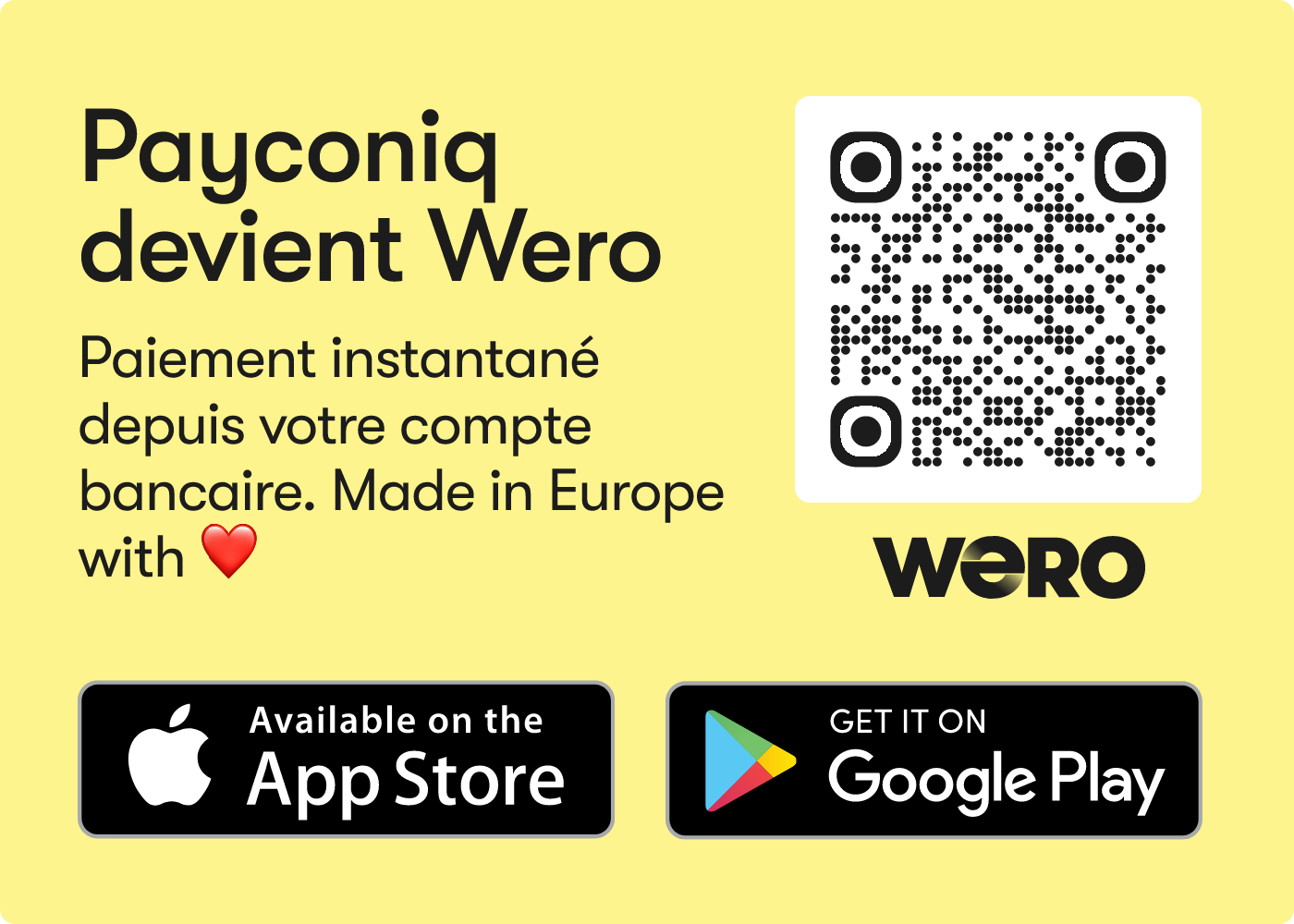
Invoice banners are used to display well-formatted, Wero-branded QR banners. They are intended primarily for use on digital and printed invoices. The banners will mention Payconiq to support the transition from Payconiq to Wero. After the migration from Payconiq to Wero is complete, Payconiq will no longer be mentioned in the banner.
Banner Wide
Wide banner variant. Wero only.
Banner Dual QR
Dual QR banner variant. Wero + Payconiq dual QR.
Banner Square
Square banner variant. Wero only
Notes
- The Invoice QR code can be generated without a live connection to Buckaroo at the time of generation.
- Wero creates the payment request only after the customer scans the QR code.
- Merchants should use a unique
referencefor each payment request to simplify reconciliation.
Updated 10 days ago