

Edit stores
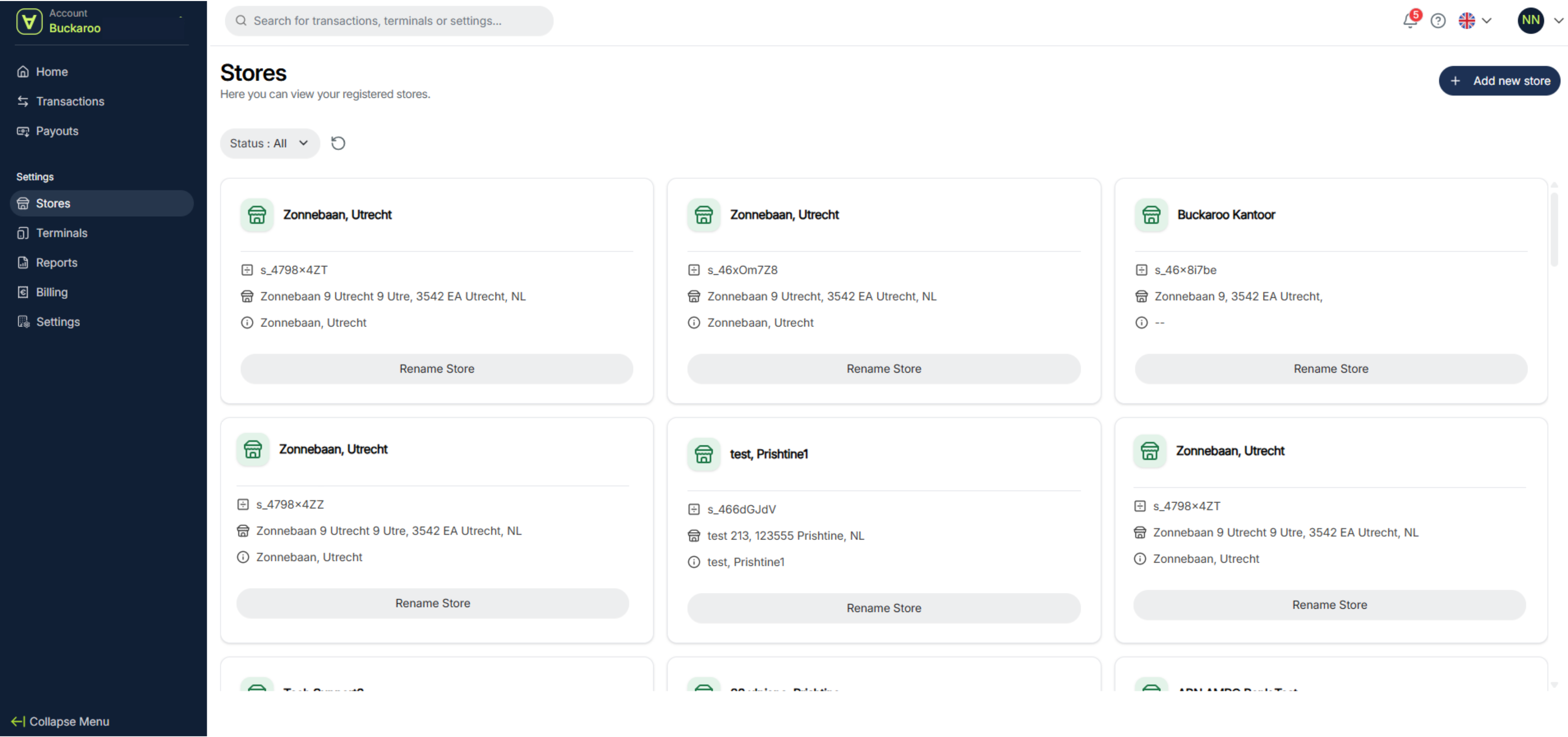
On the page Stores you can see an overview of all your stores, change the name of a store and add new stores.
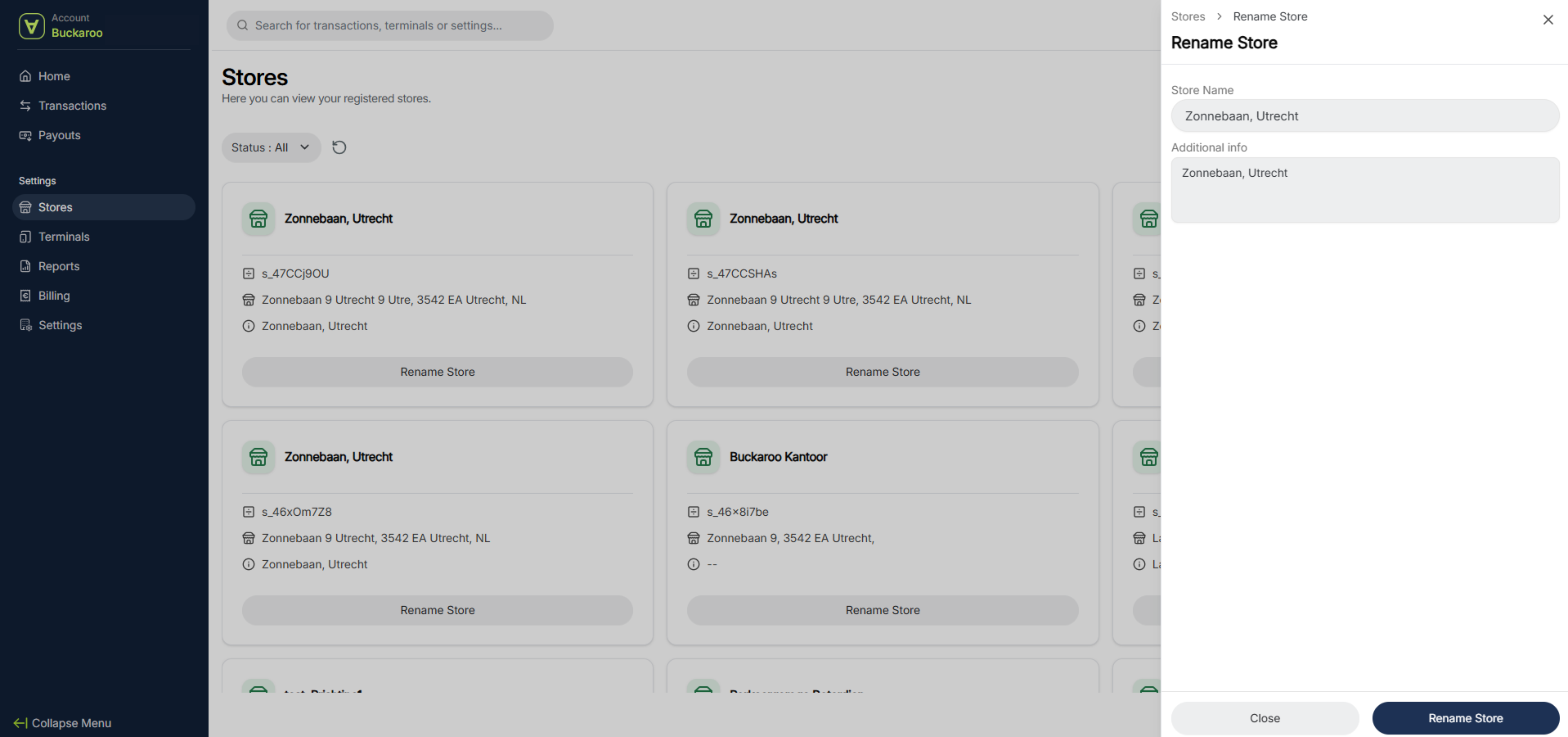
Rename store
You can easily do this by clicking Rename Store. Update the name and any additional information, then click Rename Store. The name has now been updated.
Add a new store
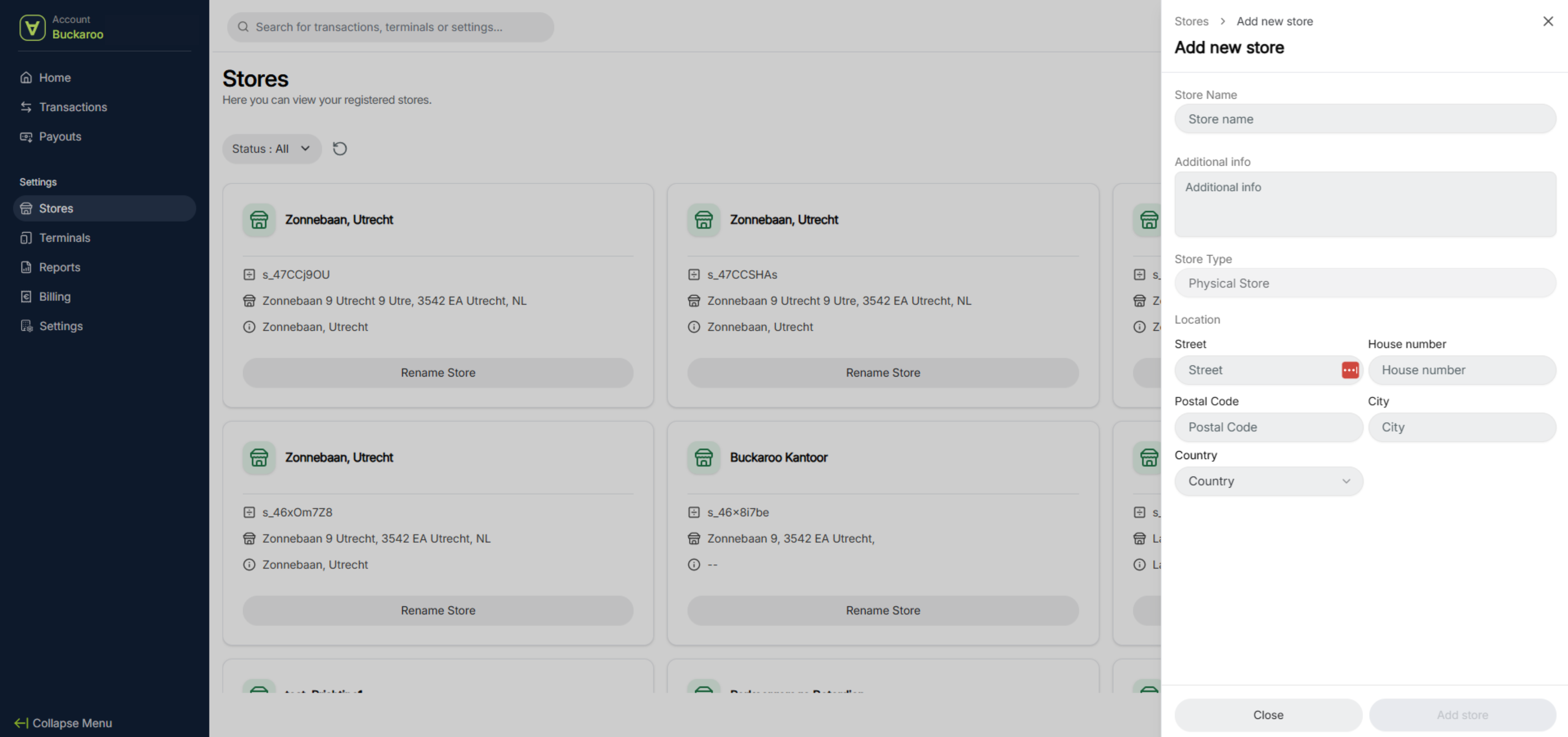
To add a new store, click the Add New Store button in the top right. Fill in the details and click Add Store.
Please note: it is not possible to add a new address. You can only add payment terminals to addresses that are already registered with Buckaroo.
Updated 6 months ago
Did this page help you?