

QR Service
Buckaroo offers a hosted QR image service to simplify implementation and meet Wero branding requirements.
Standard QRs
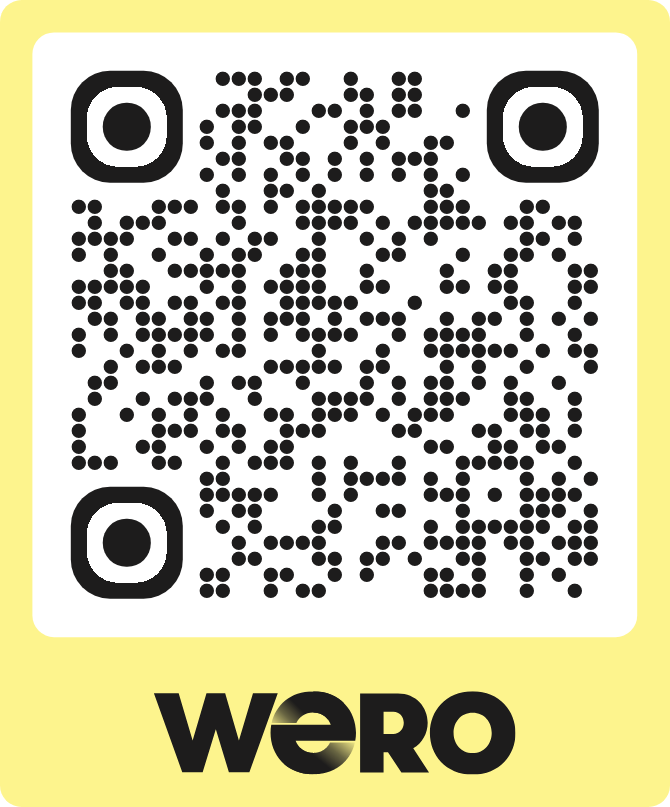
How to use
Usage is easy, just format the URL you would normally create for the QR contents and replace qr.weropay.eu with wero-qr.buckaroo.io. So, instead of:
https://qr.weropay.eu/o/1/123456789?a=2495&r=INV-2026-0001you would use:
https://wero-qr.buckaroo.io/o/1/123456789?a=2495&r=INV-2026-0001See the Offline QR and Static QR pages for all details on forming the URL parameters.
Invoice Banners
Use cases
Invoice banners are used to display well-formatted, Wero-branded QR banners. They are intended primarily for use on digital and printed invoices. The banners will mention Payconiq to support the transition from Payconiq to Wero. After the migration from Payconiq to Wero is complete, Payconiq will no longer be mentioned in the banner.
Variant 1
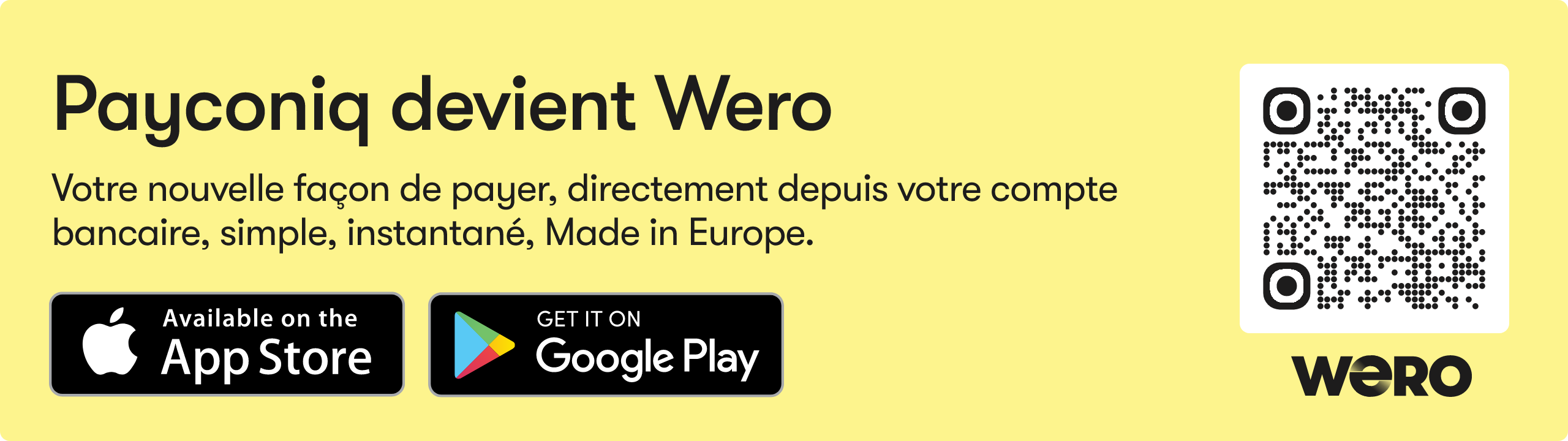
How to use
Usage is easy, just format the URL you would normally create for the QR contents and replace qr.weropay.eu with wero-qr.buckaroo.io and append the URL with &format=banner_1 So, instead of:
https://qr.weropay.eu/o/1/123456789?a=2495&r=INV-2026-0001you would use:
https://wero-qr.buckaroo.io/o/1/123456789?a=2495&r=INV-2026-0001&format=banner_1See the Offline QR page for all details on forming the URL parameters.
Variant 2
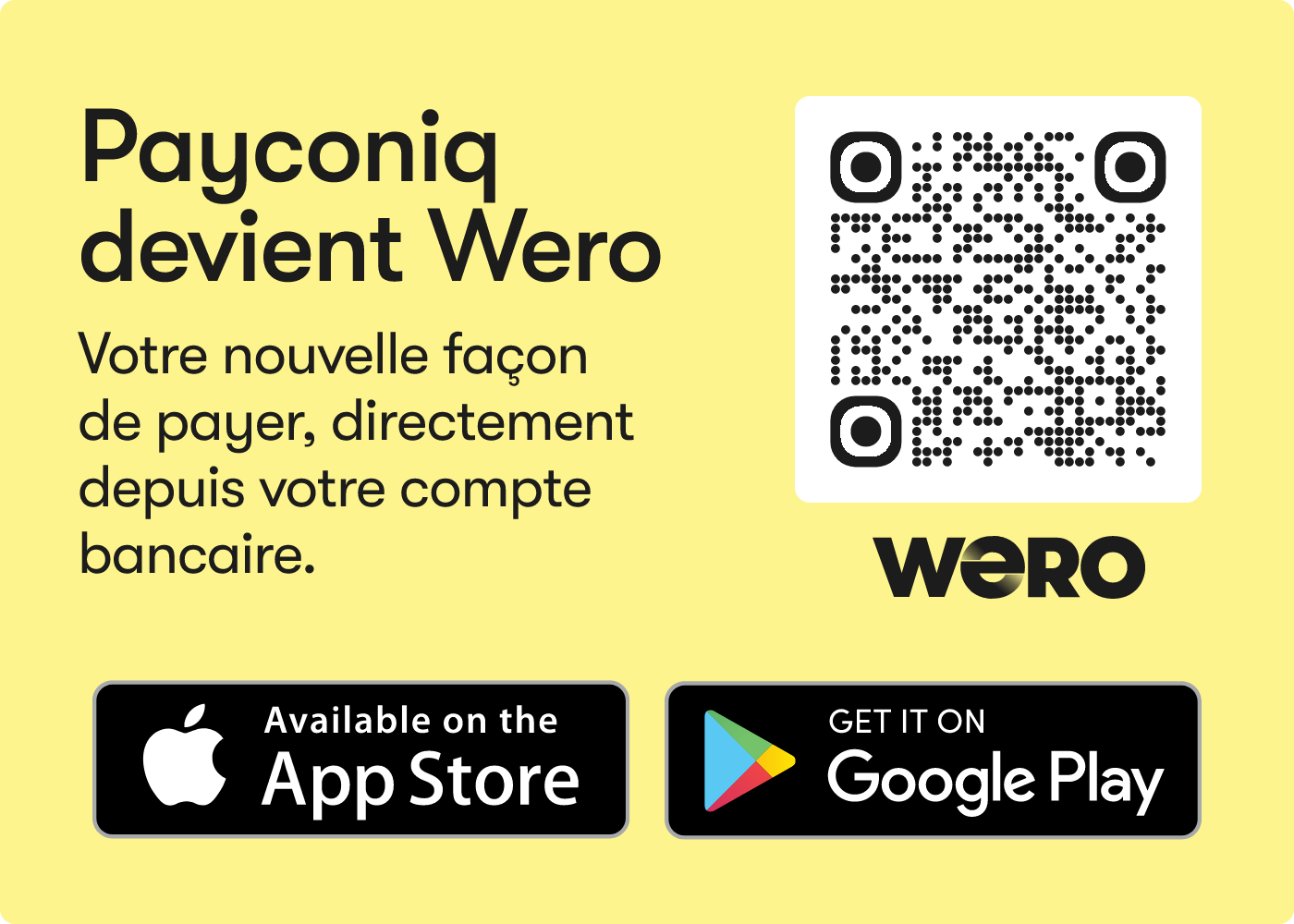
How to use
Usage is easy, just format the URL you would normally create for the QR contents and replace qr.weropay.eu with wero-qr.buckaroo.io and append the URL with &format=banner_2 So, instead of:
https://qr.weropay.eu/o/1/123456789?a=2495&r=INV-2026-0001you would use:
https://wero-qr.buckaroo.io/o/1/123456789?a=2495&r=INV-2026-0001&format=banner_2See the Offline QR page for all details on forming the URL parameters.
Updated 5 months ago