

Installation
Installing the Buckaroo app takes a few minutes. You install it from the Ecwid App Market, then open it from your store's Control Panel.
Requirements
- A Buckaroo account. Create one if you do not have one yet.
- An Ecwid store.
Install the app
- Open Buckaroo Payments in the Ecwid App Market and install it. If you are not signed in, Ecwid asks you to log in first.
- In your Ecwid Control Panel, go to Apps.
- Go to My apps for a list of everything you have installed.
- Find Buckaroo Payments and open it. If the app opens, it installed correctly.
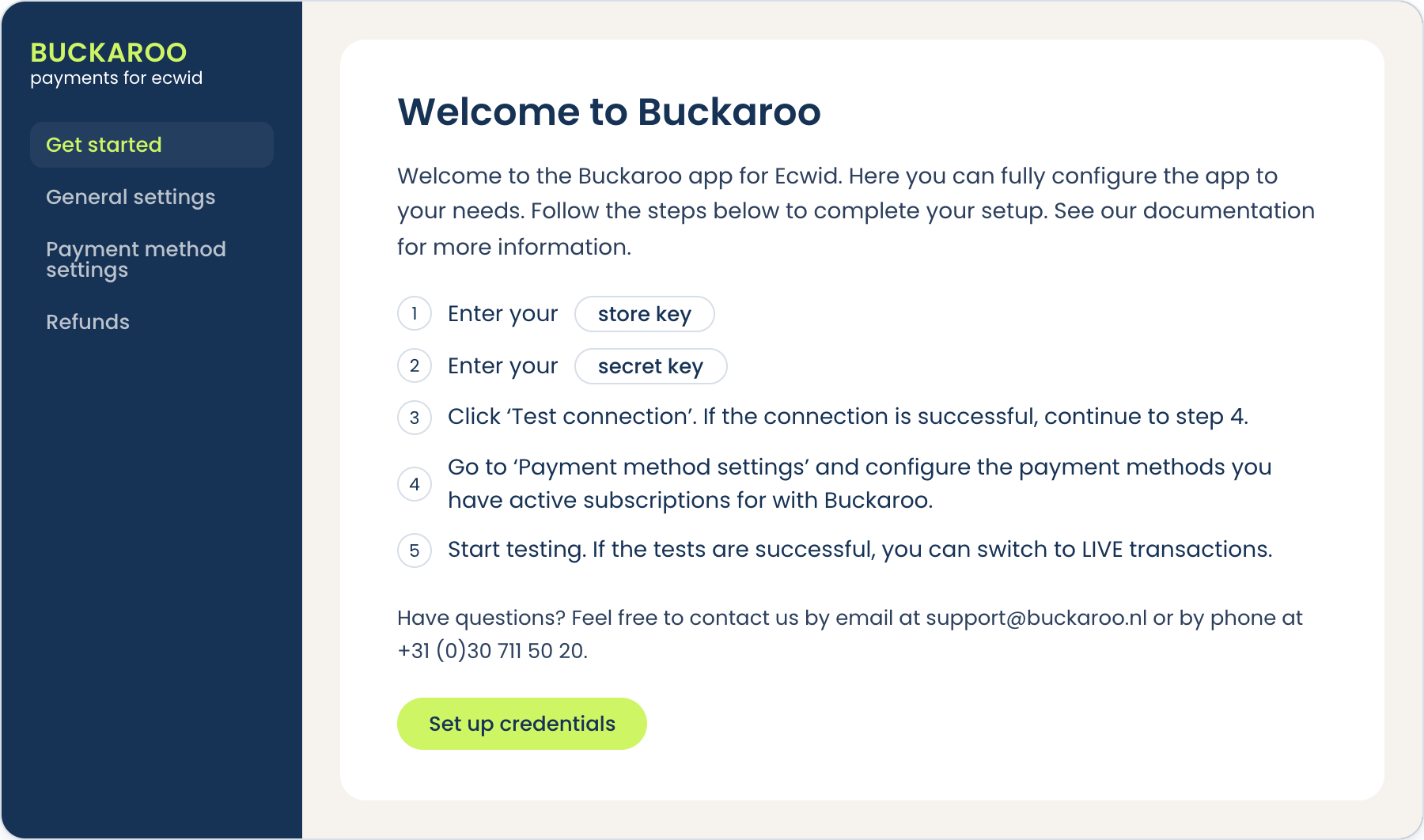
The app opens on its Getting started page, which lists the steps to connect your Buckaroo account and links to the settings you need.
Next step
The app is installed but not yet connected to your Buckaroo account. Add your keys in Configuration before you switch on any payment methods.
Updated about 2 months ago
Did this page help you?