

PrestaShop
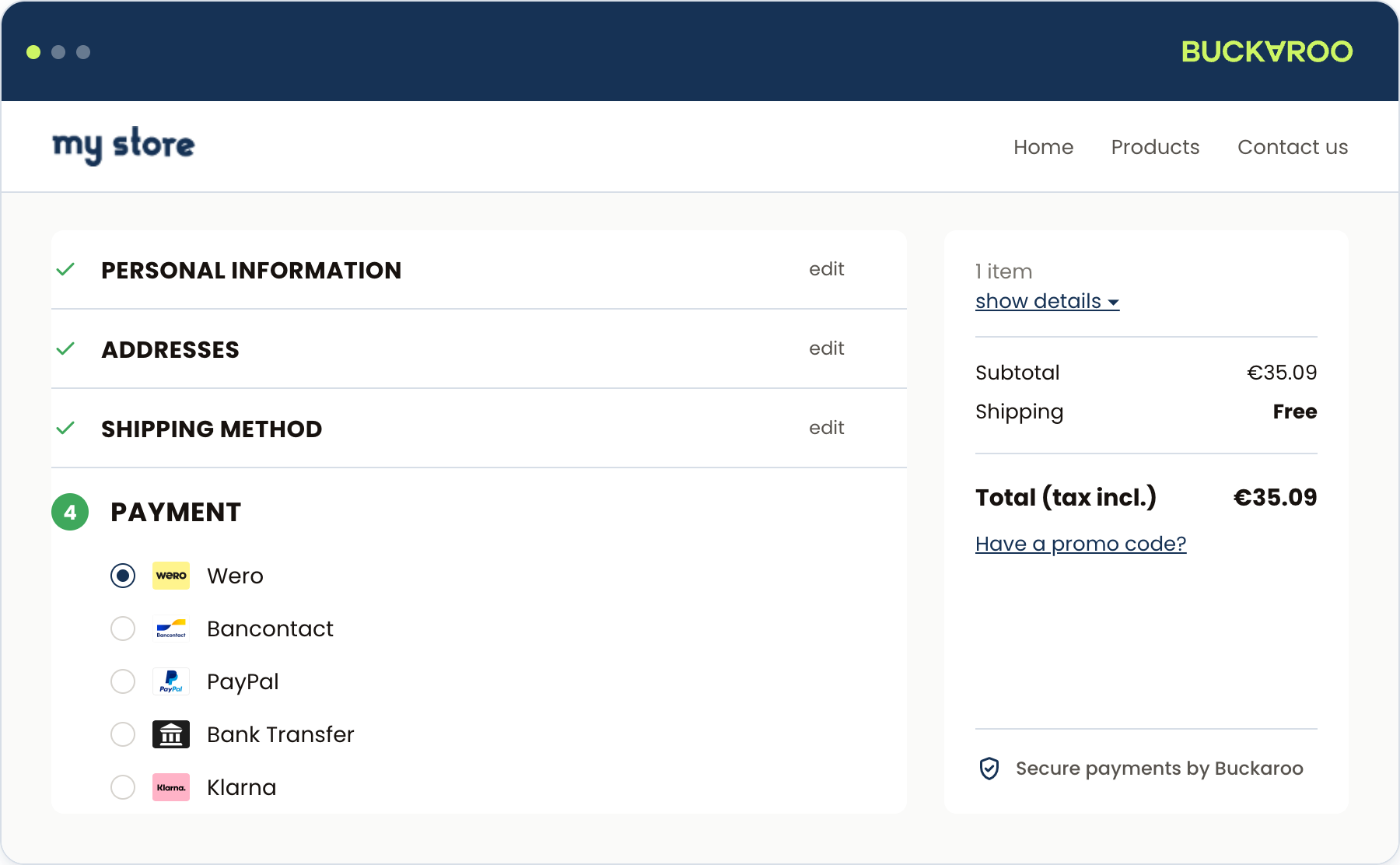
The Buckaroo module connects your PrestaShop store to the Buckaroo payment gateway, so you can accept the payment methods your customers already use. It is free, and you configure everything from a single panel inside your PrestaShop back office.
Card payments run through Hosted Fields, which keeps card entry inside your own checkout rather than sending the customer away to another page. Refunds can be started from the PrestaShop admin and are carried out in Buckaroo. You can also set the order in which payment methods appear per country, so a Belgian customer and a Dutch customer see the methods that make sense for them first.
Requirements
You need a Buckaroo account. Request one here if you do not have one yet.
The PrestaShop and PHP versions the module supports are listed on the repository, alongside each release. Checking there rather than here means you are reading the requirements for the version you are about to install.
What you can do with it
- Offer a wide range of local and international payment methods, from a single module.
- Keep card entry inside your checkout with Hosted Fields.
- Charge a payment fee per method, either as a fixed amount or a percentage.
- Restrict a method by country, or by minimum and maximum order amount.
- Order the methods in your checkout differently per country.
- Refund whole or partial orders from the PrestaShop admin.
- Verify a customer's age or identity with iDIN, either across the store or on specific products.
The module's configuration panel is available in English, Dutch, German and French. Switch language with the selector at the top of the panel. This is separate from your store's own language settings.
How a payment works
- The customer picks a Buckaroo payment method in your checkout.
- The module sends the transaction to Buckaroo, using the credentials you configured.
- The customer completes the payment, either inside your checkout or at the method's own environment.
- Buckaroo sends a push message back to your store, and the module updates the order.
The push message is what updates the order, not the customer returning to your shop. See Push messages.
Updated about 1 month ago