

Payment methods
Every payment method is listed under Payment methods settings, with its own mode and its own options.
Methods are enabled per storefront, so you can offer a different set of methods on each one. The storefront you are working on is shown at the top of the left menu.
Set a method's mode
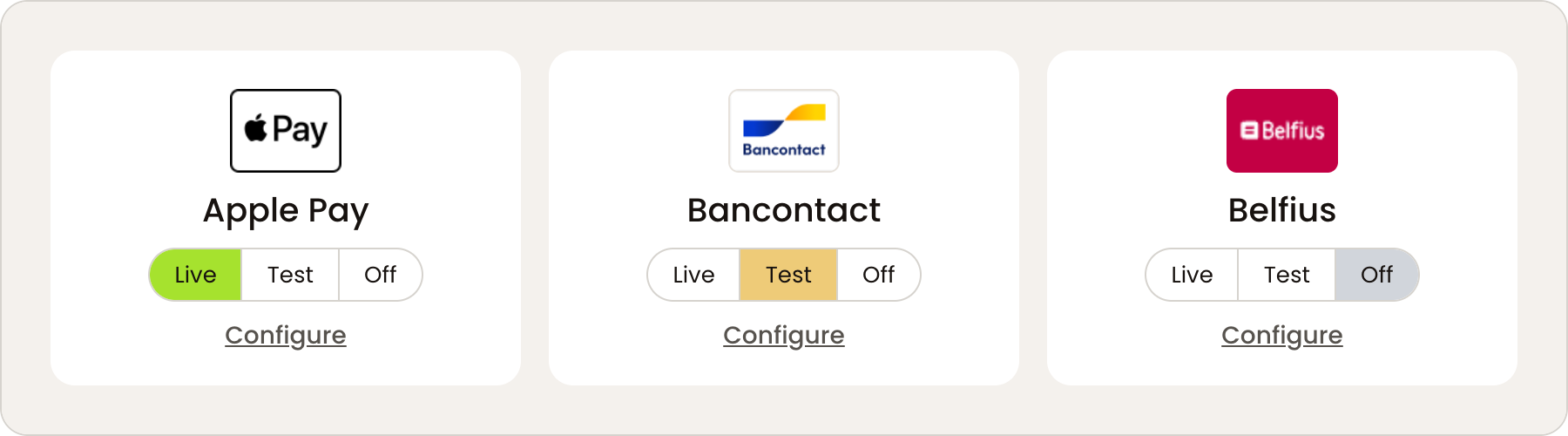
Each method has three modes:
| Mode | Behaviour |
|---|---|
| Live | Real payments |
| Test | Test transactions only, no real money |
| Off | The method does not appear at checkout |
A banner appears at the top of the page whenever any method is left in Test.
Settings available for every method
Select Configure on a method to open its settings.
| Setting | What it does |
|---|---|
| Mode | Live, Test or Off |
| Front label | The name shown at checkout. Leave empty to use the standard payment method name |
| Payment fee incl. VAT | A fee charged when the customer selects this method. Use a fixed amount such as 1.50, or a percentage such as 5%. Decimals use a dot |
| Order amount allowed | A minimum and maximum order amount. The method is only shown when the order falls within the range |
| Countries | The countries the method is shown for. Leave empty to show it everywhere |
Order amount allowed and Countries hide the method at checkout when the order does not match, with no message to the customer. A limit set during testing and forgotten looks exactly like a broken integration. Check both before reporting a method as missing.
Check that a surcharge is permitted for the methods you use before setting a payment fee.
Extra settings for Cards
The Cards method has settings the others do not.
Separate authorize and capture. When enabled, the payment is reserved at checkout and you capture it yourself. See Order management.
Use Hosted Fields. When enabled, card details are collected in embedded iframes in your own checkout rather than on a separate payment page. It needs a Buckaroo Hosted Fields Client ID and Client Secret, both from Plaza under Settings → Token registration.
Allowed cards. Only the card brands you select are offered. Available brands are American Express, Carte Bancaire, Carte Bleue, Dankort, Maestro, MasterCard, Nexi, PostePay, Visa, Visa Electron and VPAY.
Selecting a card brand here does not enable it on your Buckaroo contract. A brand that is not active on your account will not work at checkout even when selected.
Availability
Which methods you can offer depends on your Buckaroo contract. If a method you expect is missing, check first whether it is active on your account in Plaza.
Updated 25 days ago