

WooCommerce
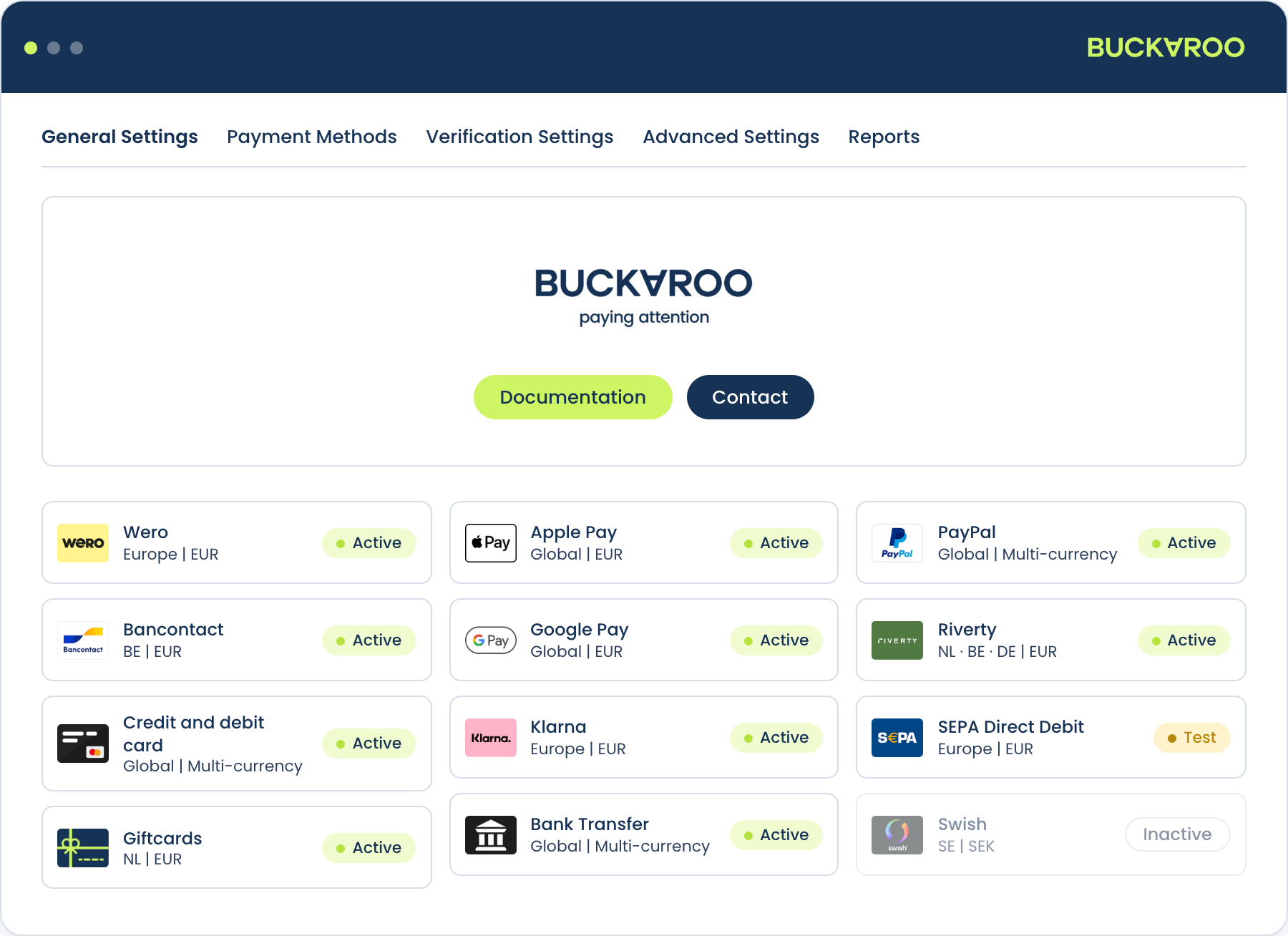
Accept a wide range of payment methods in your WooCommerce store, including Wero, cards, Bancontact, Klarna and Riverty, with one plugin and one contract.
The Buckaroo plugin for WooCommerce connects your store to the Buckaroo payment gateway. It handles the full payment lifecycle: presenting payment methods in checkout, processing the payment, receiving the result via push message, and keeping your WooCommerce order status in sync. Refunds, captures and payment links can all be triggered from the WordPress admin without logging in to Buckaroo Plaza.
Features
- A wide range of local and international payment methods: Wero, Visa, Mastercard, Bancontact, PayPal, Klarna, Riverty and more, including Buy Now Pay Later
- Hosted Fields: card entry inside your own checkout, no redirect
- Express checkout with Apple Pay, Google Pay and PayPal on the product, cart and checkout pages
- Automatic configuration: the plugin reads which methods are active on your Buckaroo contract and enables them for you
- Refunds and partial refunds directly from the WordPress admin
- Authorise and capture: reserve at checkout, collect when you ship
- PayLink and PayPerEmail from the order screen, for payments you take after the fact
- Payment fees per method, with your own tax class and VAT display
Compatibility
The plugin works with both the classic checkout and the newer Cart & Checkout Blocks, and supports High-Performance Order Storage. There is nothing to switch on for any of them. See Installation for the detail.
Supported WordPress, WooCommerce and PHP versions are listed on the repository, and the releases page carries the current version number and changelog. Checking there rather than here means you are reading the requirements for the version you are about to install.
The plugin works with both the classic checkout and the newer Cart & Checkout Blocks, and supports High-Performance Order Storage (HPOS). There is nothing to switch on for any of them.
See Installation for the detail.
See the releases page for the current version number and changelog.
How it works
- A customer reaches your checkout. The plugin renders the Buckaroo payment methods available for that cart.
- The customer selects a method and places the order. WooCommerce creates the order in a pending state.
- The plugin sends a transaction request to Buckaroo. Depending on the method, the customer is redirected to their bank or payment app, or completes the payment inline via Hosted Fields.
- Buckaroo processes the payment and sends a push message to your store confirming the result.
- The plugin verifies the push and updates the order status.
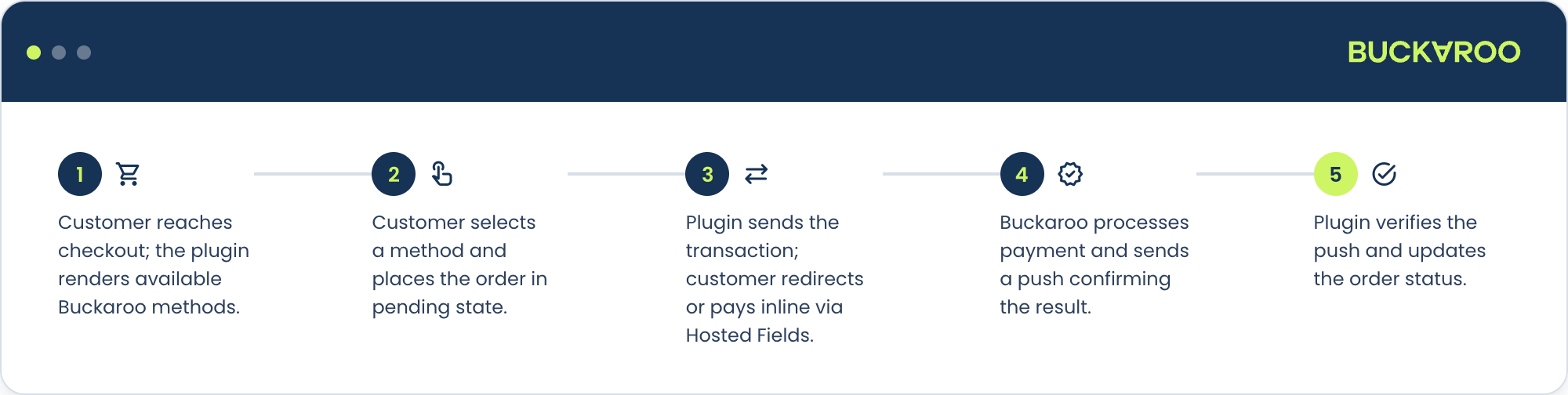
Step 4 is where things most often go wrong. The push message is what turns a paid transaction into a paid order. If your server can't receive it, payments succeed at Buckaroo while orders sit on hold in WooCommerce.
The plugin handles the push URL for you, but push messages have to be enabled for your store in Plaza and Buckaroo's IP addresses have to reach your server. See Connect your Buckaroo account.
Get started
You need a Buckaroo account. If you don't have one yet, sign up. You can start testing while your application is reviewed.
- Install the plugin
- Connect your Buckaroo account
- Configure the plugin
- Enable your payment methods
- Test and go live
Updated 19 days ago