

Shopify
Buckaroo publishes a separate app for each payment method in the Shopify App Store. You install the apps for the methods you want to offer, connect them to your Buckaroo account once, and manage them all from one shared settings panel.
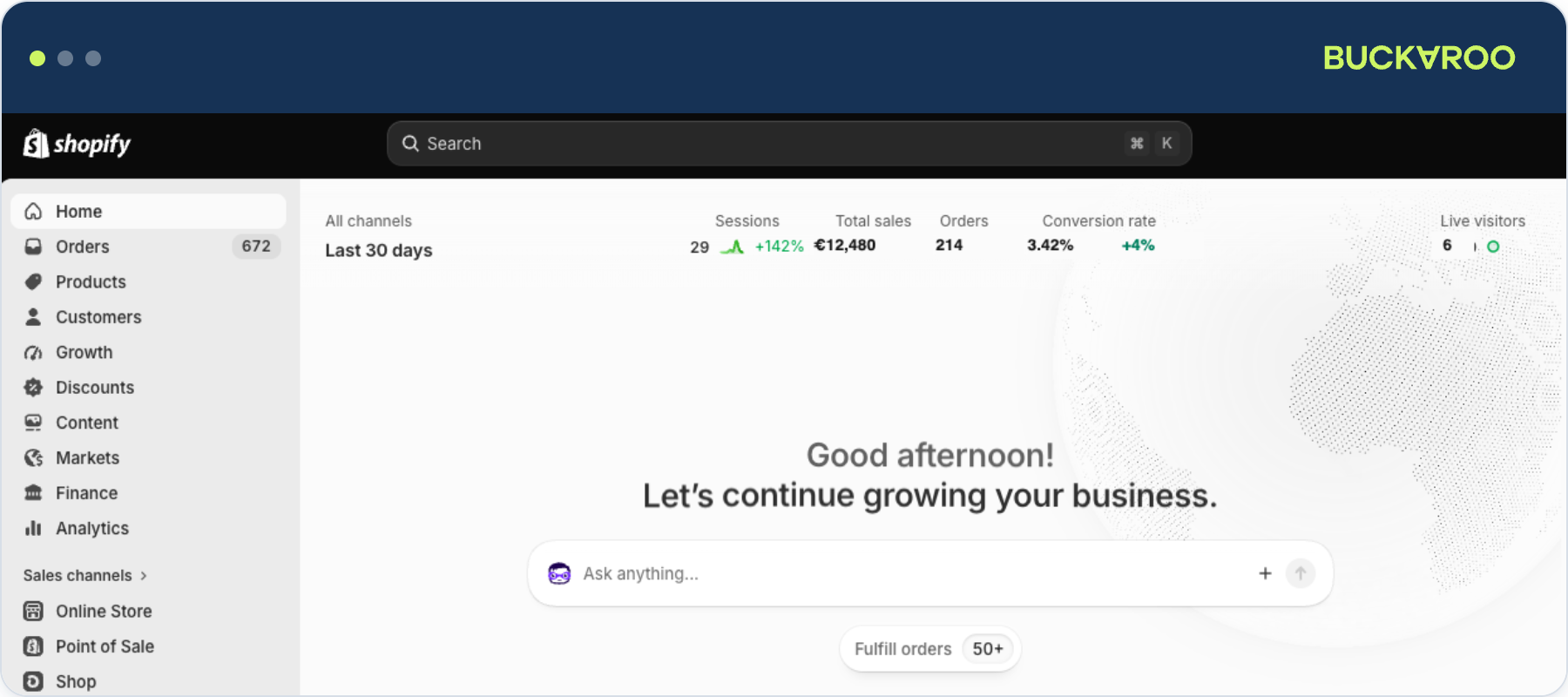
How the apps work together
Shopify treats every payment method as its own payment app, so Buckaroo provides one app per method. Three things follow from that:
- You install one app for each payment method you want to offer.
- All installed Buckaroo apps share a single settings panel, which you can open from any of them.
- Your store key and secret key are entered once per Shopify Store, not once per app.
Transaction surchargeBuckaroo applies a 0.35% surcharge to each successful transaction processed through Shopify, in addition to the standard Buckaroo transaction costs for the payment method used. This covers the fees Shopify charges for payments handled by an external payment service provider.
Before you start
- A Buckaroo account, with your store key and secret key available in Plaza under Settings → API Keys.
- A Shopify Store you administer.
Updated about 1 month ago
Did this page help you?