

Lightspeed
This app is for Lightspeed eCom (C-Series).
The Buckaroo app for Lightspeed lets you accept online payments in your Lightspeed store without writing any code. The app is hosted by Buckaroo, so there is nothing to install on your own server and no plugin files to keep up to date.
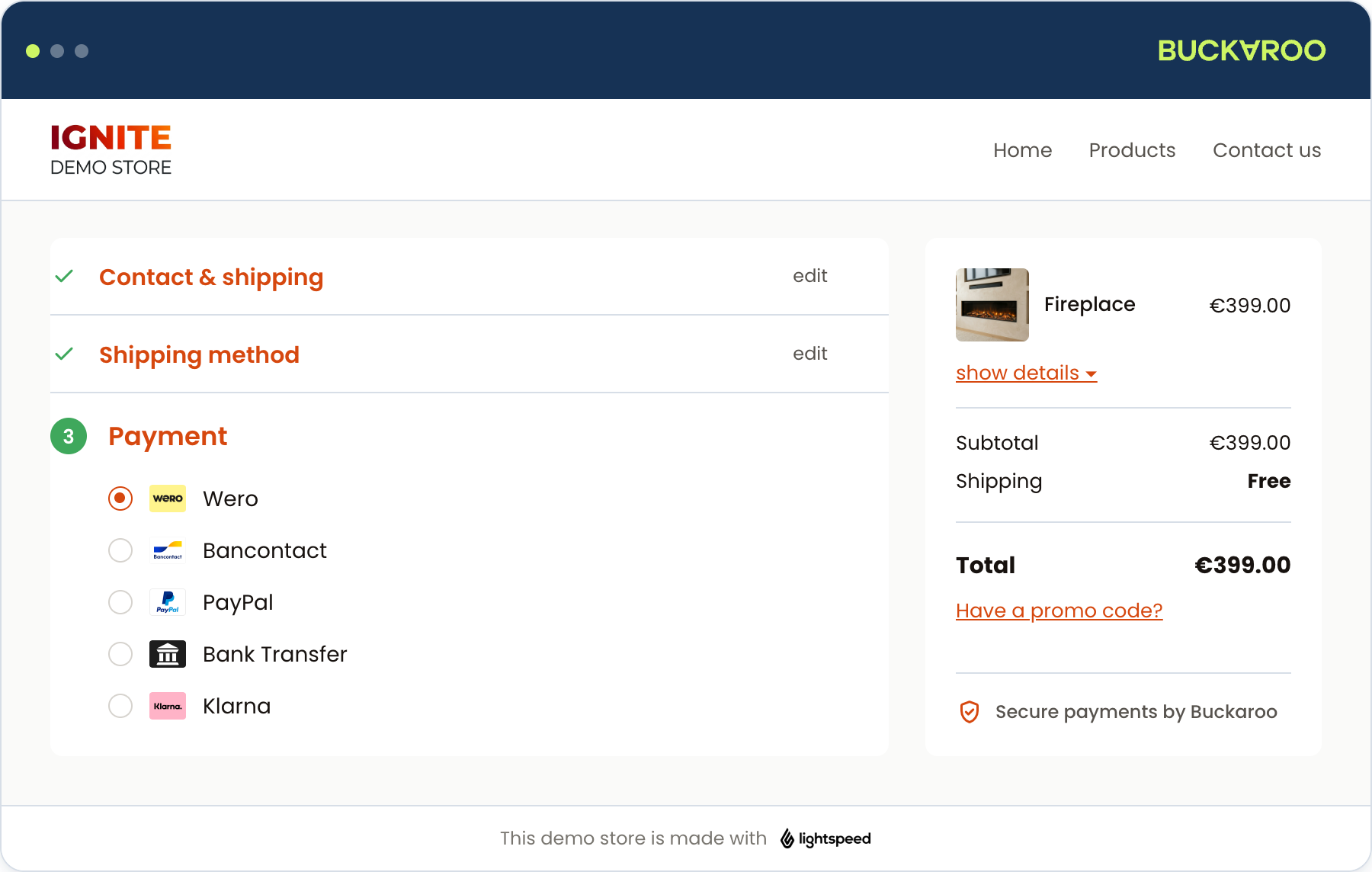
What the app does
- Adds a wide range of Buckaroo payment methods to your Lightspeed checkout, each of which you switch on or off individually.
- Lets you run any method in test mode before you go live, one method at a time.
- Updates the order in Lightspeed automatically once Buckaroo confirms the payment.
- Can create full or partial refunds in Buckaroo when you issue a credit note in Lightspeed.
- Lets you rename each method as your customers see it, and set the order methods appear in per country.
- Offers iDIN, so you can verify a customer's identity, age or address through their bank.
Before you start
You need a Buckaroo account and a Lightspeed eCom store. A payment method only appears in your checkout once it is active on your Buckaroo account and switched on in the app, so activate the methods you want in Buckaroo Plaza first.
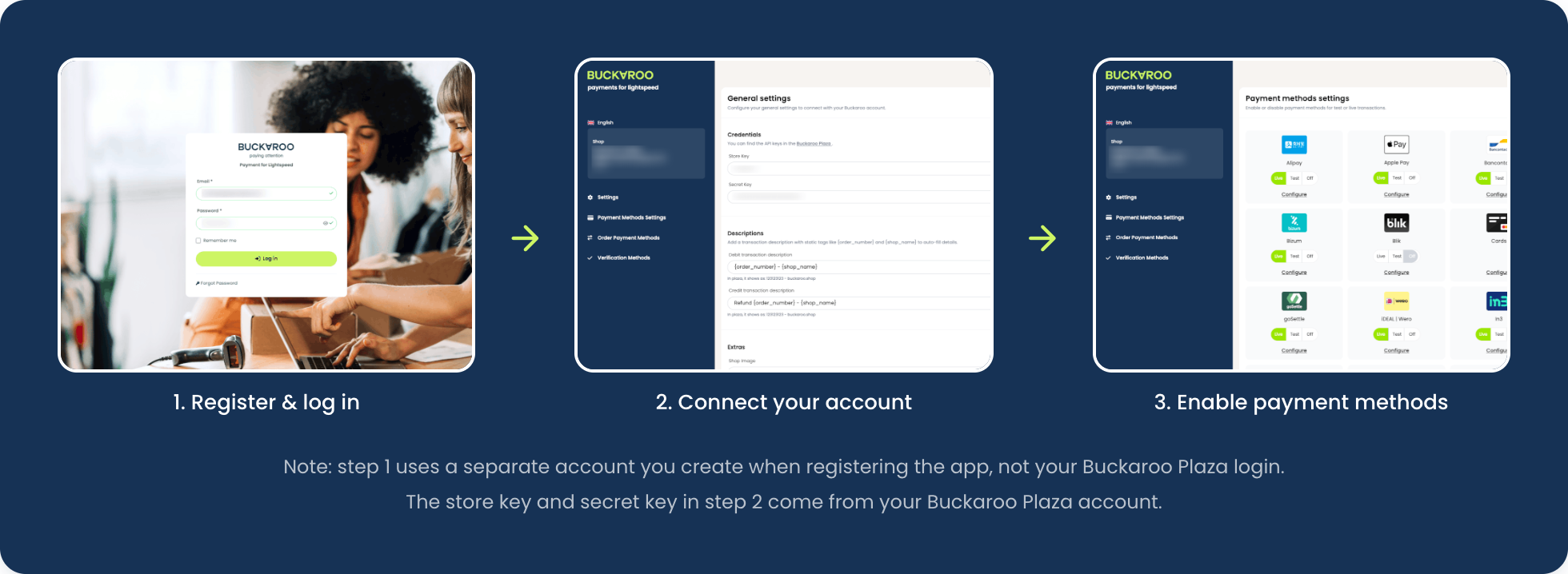
Updates
Buckaroo hosts and maintains the app, so new versions reach your store without any action from you. There is no version number to check and nothing to upgrade.
Install the app from the Lightspeed App Store and register your account.
Connect your Buckaroo keys and set up descriptions, refunds and extras.
See which methods you can offer and switch them on per method.
Set the order methods appear in, per country.
How paid orders, refunds and expired orders are handled.
Run test payments, then work through the go-live checklist.
Fixes for the problems merchants run into most often.
Short answers to common questions about the app.
Updated 23 days ago