

Payment methods
The app supports a wide range of Buckaroo payment methods. You switch each one on or off separately.
The app shows every method it supports, including ones your account cannot use yet. A method only appears in your checkout once it is active on your Buckaroo account. Activate the methods you want in Buckaroo Plaza first.
Available payment methods
- Alipay
- Apple Pay
- Bancontact
- Bank transfer
- Belfius
- Bizum
- BLIK
- Credit and debit cards
- EPS
- Giftcards
- Google Pay™
- iDEAL | Wero
- KBC
- MB Way
- Multibanco
- Pay By Bank
- PayPal
- Przelewy24
- Swish
- Trustly
- Twint
- WeChatPay
- Wero
Switch a method on
- Open the app from Apps → My apps → Buckaroo Payments in your Ecwid Control Panel.
- Go to Payment method settings.
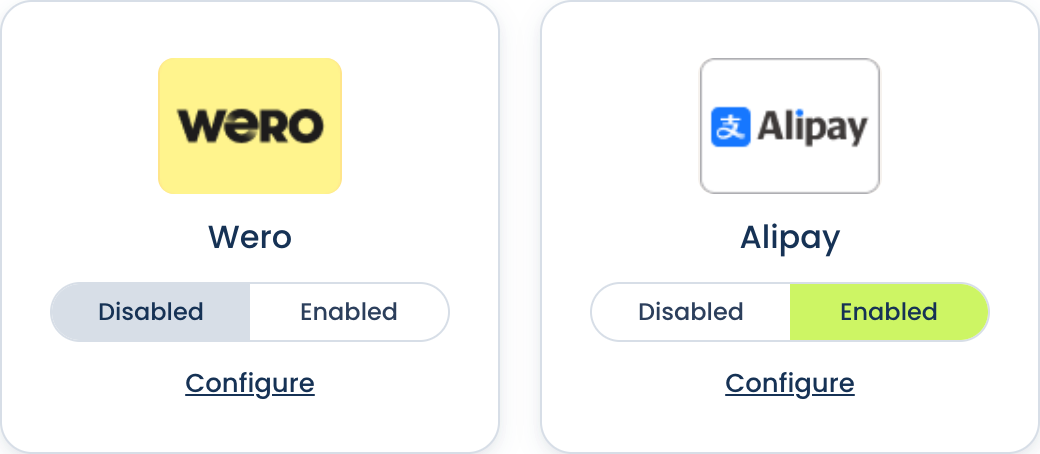
- Set the method to Enabled or Disabled.
Enabled and Disabled are the only options. Whether those payments are real or test is decided by Mode in Configuration, which applies to your whole store.
Switch off the methods you are not using rather than leaving them enabled. A method that is enabled in the app but not active on your Buckaroo account will not appear in your checkout, so leaving it on tells you nothing and makes the screen harder to read.
How payments are completed
Every method the app offers is a regular option in your Ecwid checkout. The customer picks one, and is then redirected to Buckaroo Smart Checkout to pay. The app does not add express payment buttons to your product, cart or checkout pages, so Apple Pay and Google Pay are chosen in the checkout like any other method rather than as one-tap buttons.
Because your customers finish paying on Smart Checkout rather than in your own store, it is worth styling that page to match your branding. See Smart Checkout styling.
Configure a method
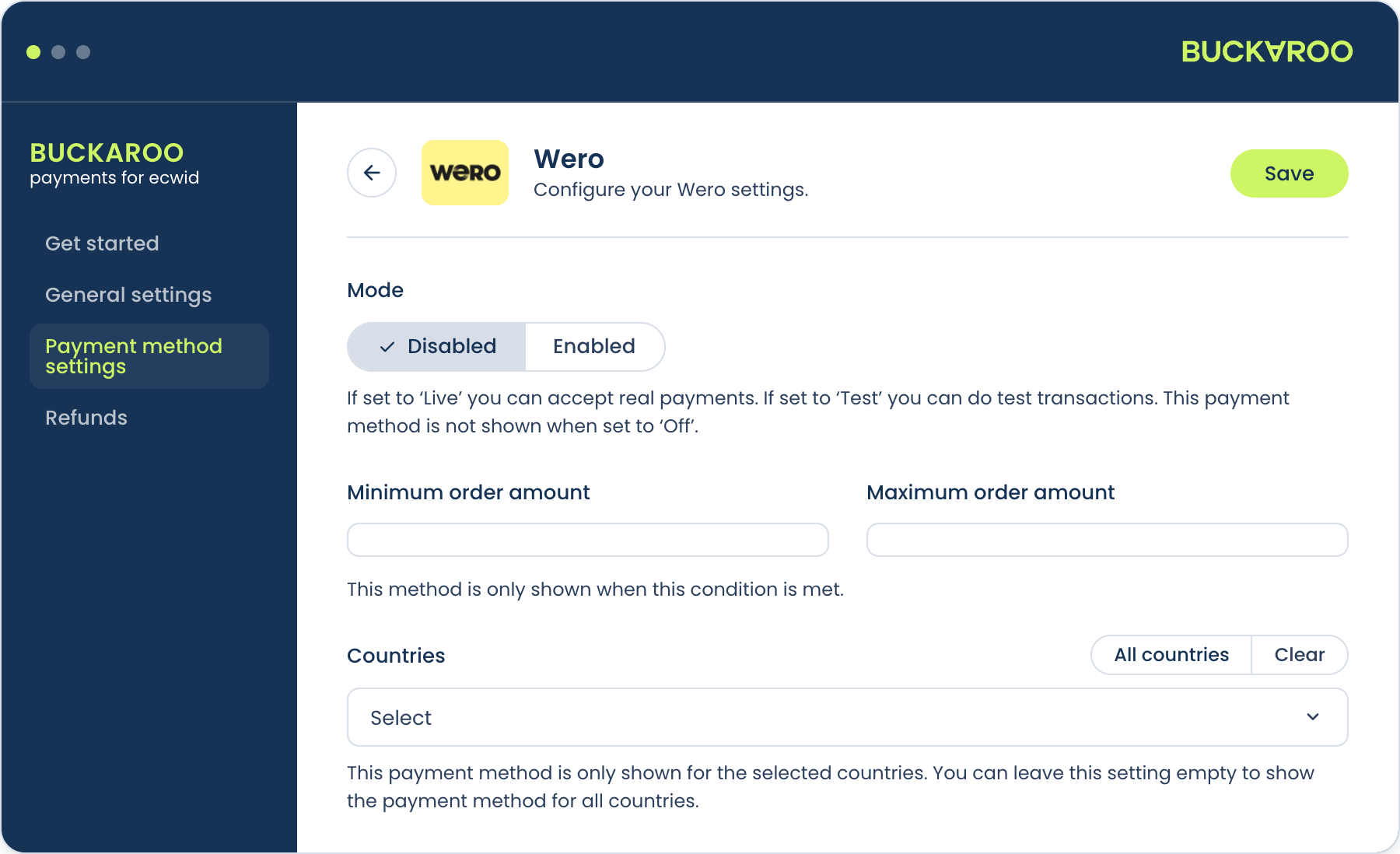
Each method has a Configure link, but most methods need nothing set. The redirect to the Buckaroo Checkout does the work, which is what keeps the integration simple.
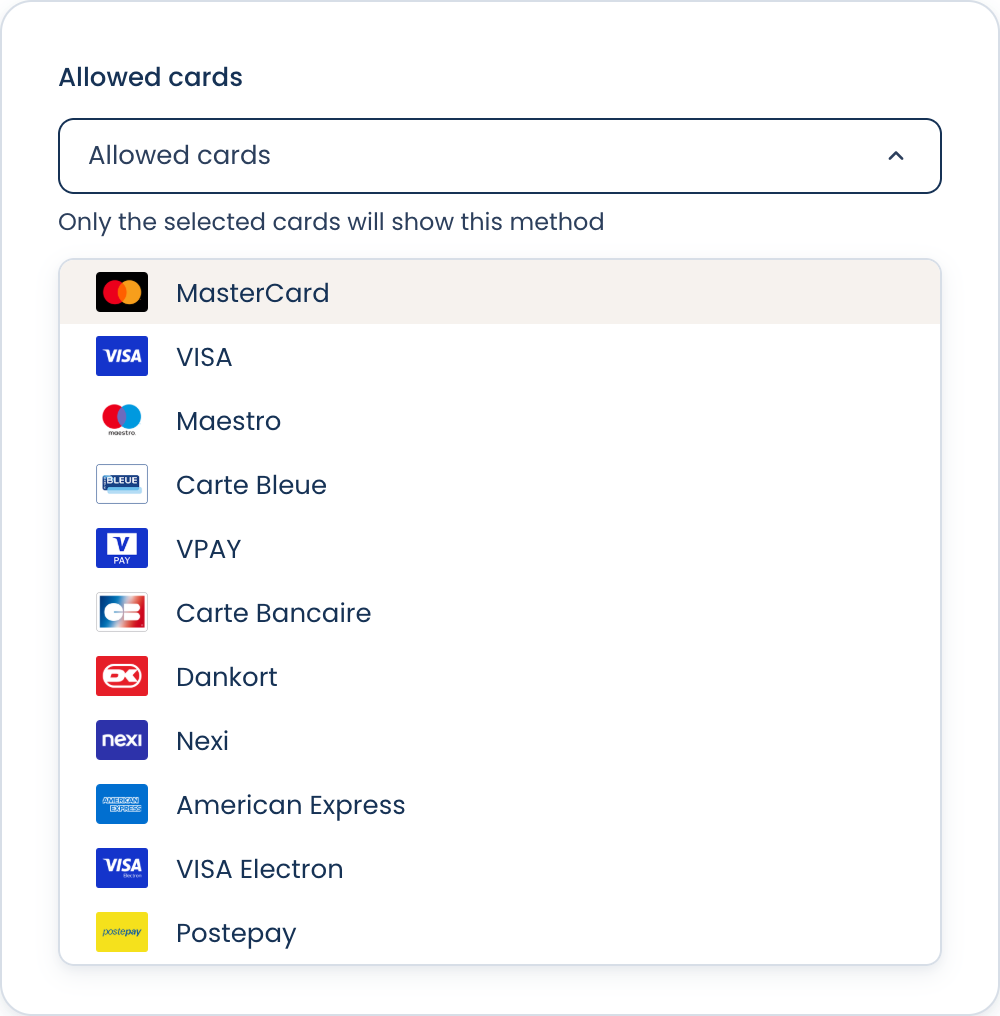
Credit and debit cards is the one worth opening. There you choose which card brands you accept, and those are the brands your customer sees on Smart Checkout after being redirected.
The brands are not listed separately in your Ecwid checkout.
Your customer picks Credit and debit cards, then chooses their brand on Smart Checkout.
So a brand you have not allowed does not appear there, even though cards themselves work.
A brand also has to be active on your Buckaroo account, the same as any payment method.
Updated 24 days ago