

Payment methods
The app supports a wide range of Buckaroo payment methods.
You switch each one on or off separately, and you can run any of them in test mode while the rest stay live.
The app shows every method it supports, including ones your account cannot use yet. A method only appears in your checkout once it is active on your Buckaroo account.
Activate the methods you want in Buckaroo Plaza first.
Available payment methods
- Alipay
- Apple Pay
- Bancontact
- Bank transfer
- Belfius
- Billink
- Bizum
- BLIK
- Credit and debit cards
- EPS
- Giftcards
- Google Pay™
- iDEAL | Wero
- In3
- KBC
- Klarna KP
- Klarna MoR
- MB Way
- Multibanco
- Pay By Bank
- PayPal
- PayPerEmail
- Przelewy24
- Riverty
- SEPA Direct Debit
- Swish
- Trustly
- Twint
- WeChatPay
- Wero
Klarna and credit and debit cards are each a single tile in the app covering several methods underneath. See below, and Checkout order for positioning them separately.
How payments are completed
Every method the app offers is a regular option in your Lightspeed checkout. The app does not add express payment buttons to your product, cart or checkout pages.
That matters most for the wallet methods, which you may have seen as one-tap buttons elsewhere:
| Method | Where the customer completes the payment |
|---|---|
| Apple Pay | On Buckaroo Smart Checkout, after being redirected from your checkout. |
| Google Pay™ | On Buckaroo Smart Checkout, after being redirected from your checkout. |
| PayPal | At PayPal, after being redirected from your checkout. |
All three work normally. They are simply chosen in your checkout like any other method rather than skipping it. If you are moving from a platform that offered express buttons, plan your checkout around that difference.
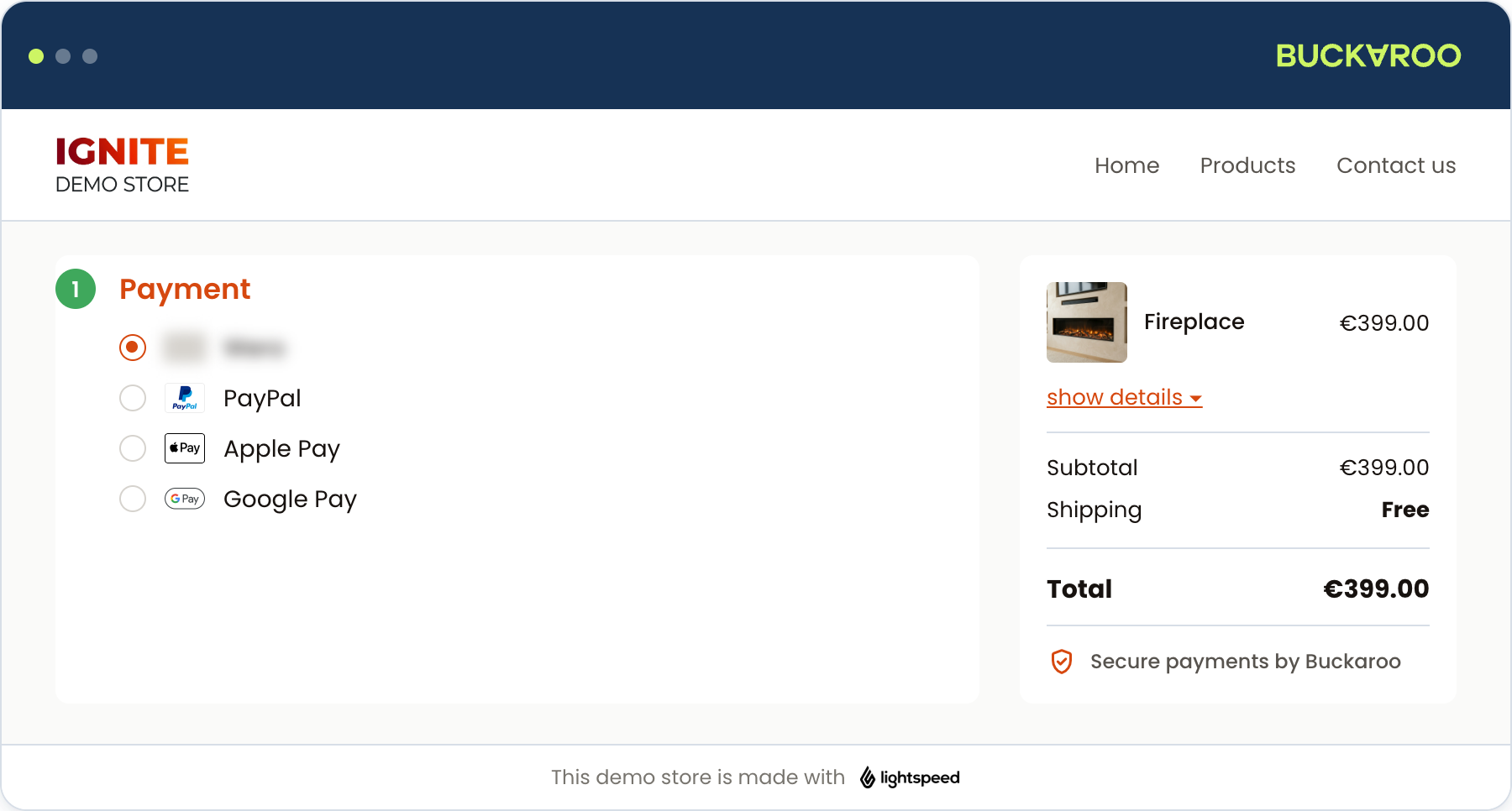
Because your customers finish these payments on Smart Checkout rather than in your own store, it is worth styling that page to match your branding. See Smart Checkout styling.
Riverty, Klarna KP and Klarna MoR work differently again. They reserve the amount at checkout rather than collecting it, and the money is only collected when you mark the order as shipped. A failed collection is not reported back to Lightspeed, so these three need a check in Plaza after shipping. See Order management.
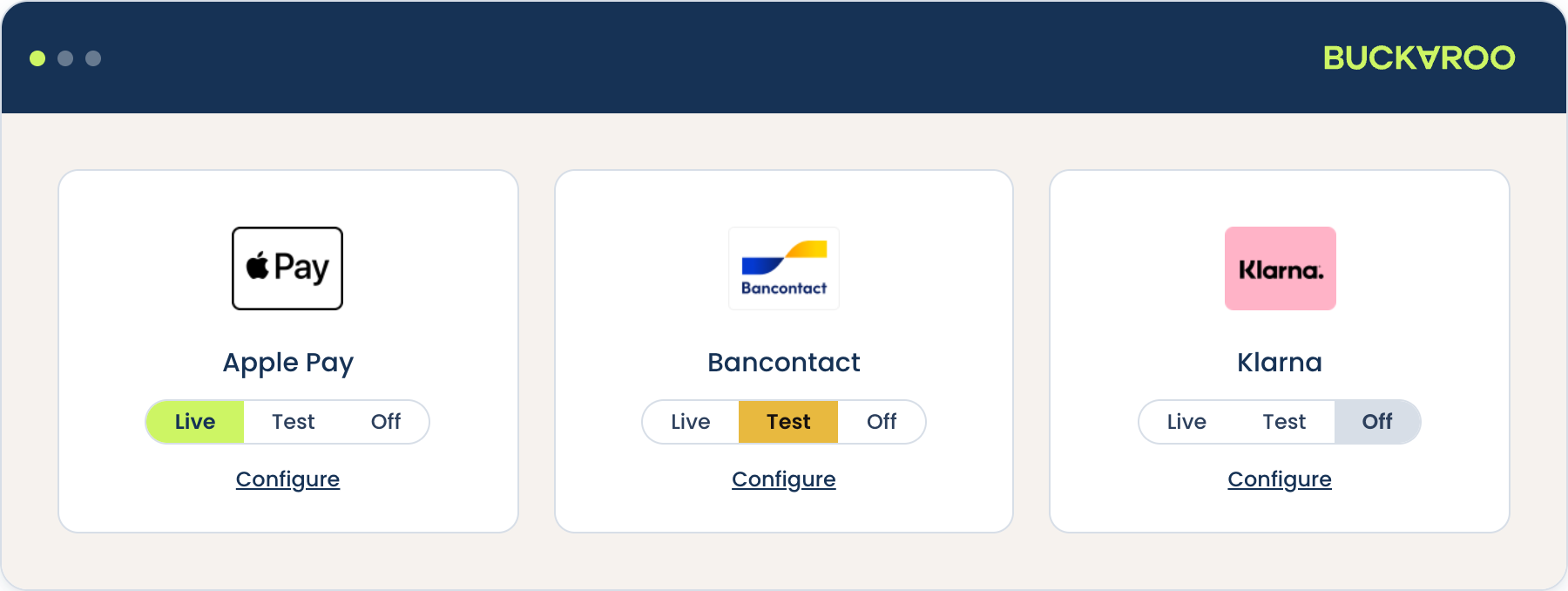
Switch a method on
- Open the app at lightspeed.buckaroo.io and log in.
- Go to Payment Methods Settings.
- Set the mode on the method you want to change. The app saves it right away.
Each method has three modes, and the selected one is highlighted:
| Mode | Colour | Effect |
|---|---|---|
| Live | Green | The method appears in your checkout and processes real payments. |
| Test | Orange | The method appears in your checkout but processes test payments only, so no money moves. |
| Off | Grey | The method does not appear in your checkout. |
Only use Test on a store that customers cannot reach.
On a live store, a method left in test mode looks normal to your customers but never takes their money.
A method set to Off also disappears from the Order Payment Methods screen, since there is nothing to position in a checkout it does not appear in.
Configure a method
Each tile has its own Configure link, which opens that method's own settings page. Every method shares the settings below, and some add their own on top.
| Setting | What it does |
|---|---|
| Mode | The same live, test and off control as on the grid. |
| Frontend Label | The name your customers see in the checkout. Leave it empty to use the method's standard name. |
| Enabled Countries | Limits the method to the countries you pick. Leave it empty to offer it in every country. |
| Payment fee incl VAT | Adds a fee to the order total when the customer picks this method, as a fixed amount or a percentage such as 5%. Leave it empty for no fee. |
| Payment fee VAT rate | The VAT rate applied to that fee. Your store's default tax rate is pre-selected. |
| Minimum order amount allowed | Hides the method on orders below this amount. An order sitting exactly on the limit still shows it. |
| Maximum order amount allowed | Hides the method on orders above this amount. An order sitting exactly on the limit still shows it. |
Whether you are permitted to charge a fee on a given payment method is your responsibility as the merchant.
Both order amount limits are compared against the order total the customer sees in the checkout, with tax included, rather than a subtotal. Worth keeping in mind when you pick the figures, since an order can sit inside your limit before tax and outside it after.
Enabled Countries and the two order amount limits hide the method rather than showing your customer a reason. A method that appears to be missing from your checkout is often one of these three, so check them before assuming something is broken.
Remember to click Save. These settings are per method, so you set them again for each method you want them on.
Method-specific settings
Some methods add settings of their own below the shared ones, because they work differently.
Bank transfer is the clearest example, since the customer pays from their own bank outside your checkout and needs the details to do it:
| Setting | What it does |
|---|---|
| Send payment instruction email | Whether the customer is emailed the details they need to make the transfer. |
| Due date (in days) | How long the customer has to pay. It appears in the payment instruction email as the date the transfer should be made by. |
| Change language | The language of the payment instruction email, and of Smart Checkout when a customer pays by bank transfer. It applies to every bank transfer customer, so pick the language yours actually read. |
PayPerEmail adds three, since the customer pays from a link rather than in your checkout:
| Setting | What it does |
|---|---|
| Expiration date (in days) | How long the payment link stays valid. Once it passes, the link stops working and the customer can no longer pay with it. |
| Allowed payment methods | Which methods the customer can choose from when they open the link. Leave it empty to allow all of them. |
| Merchant sends email | Who sends the payment instructions. Set to No and Buckaroo emails the customer for you. Set to Yes and it is on you to send it, so the customer gets nothing until you do. |
Bank transfer and PayPerEmail orders are both exempt from the global Cancel Expired Period, because each gives the customer days rather than minutes to pay. Keeping that global period short does not put them at risk. See Configuration.
PayPal adds one:
| Setting | What it does |
|---|---|
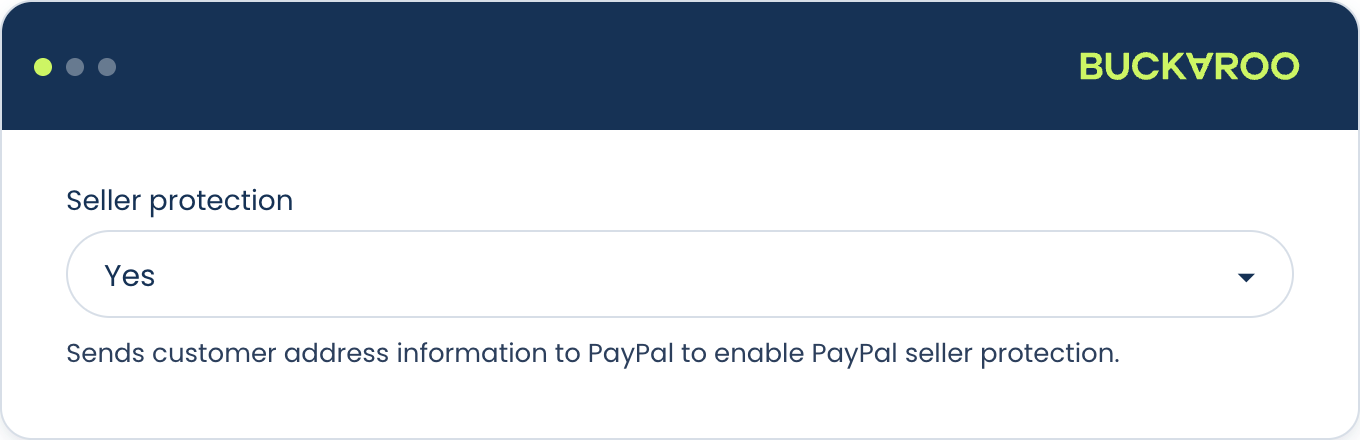
| Seller protection | Sends the customer's address to PayPal, which is what lets the transaction qualify for PayPal seller protection. |
Not every method has extras, and the ones that do differ. Check the method's own page under Payment methods if a setting is not self-explanatory.
Methods with more than one variant
A few tiles cover more than one method. These have no mode control of their own, only a Configure link, which opens the variants rather than a settings form. Each variant then has its own live, test and off control and its own Configure, so switching one on happens in there.
Klarna opens:
| Variant | Documentation |
|---|---|
| Klarna KP | Klarna KP |
| Klarna MoR | Klarna MoR |
Which one you can use depends on your Klarna agreement, so switch on the one it covers and leave the other Off. If you are not sure which you have, contact us.
Credit and debit cards opens the individual card brands:
- American Express
- Carte Bancaire
- Carte Bleue
- Dankort
- Maestro
- MasterCard
- Nexi
- PostePay
- VISA
- VPAY
All of them are covered by Credit cards.
Each brand behaves like a method in its own right. It has the same settings as anything else, so you can give a single brand its own frontend label, country list or order amount limits. A brand also needs to be active on your Buckaroo account before it will work.
Brands you switch on appear as separate options in your checkout rather than sitting behind one combined card entry, so your customer picks their brand before leaving your store. That is also why each brand can be positioned individually. See Checkout order.
Verification methods
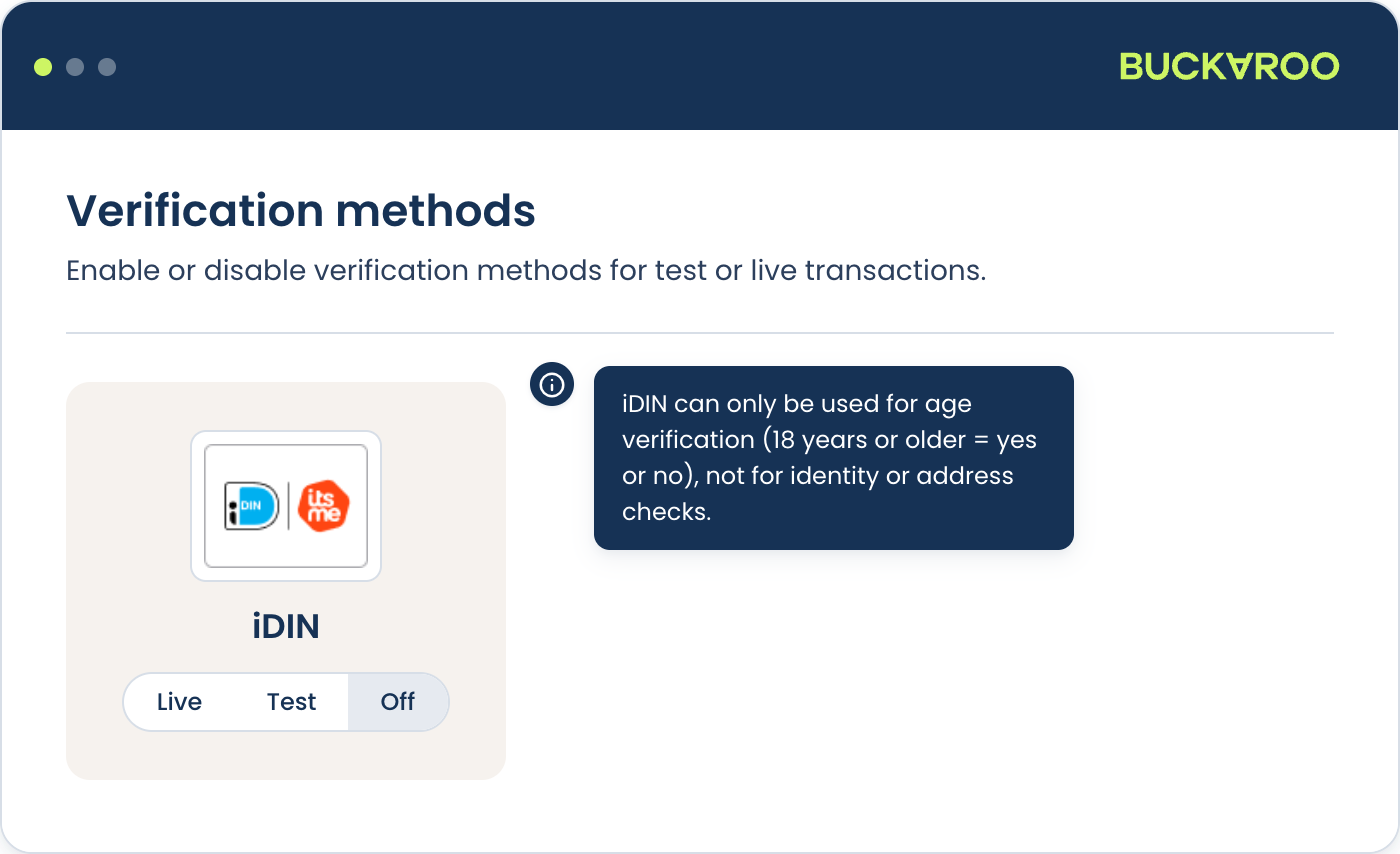
Verification methods confirm who your customer is rather than taking a payment, so they sit in their own Verification Methods section in the left-hand menu.
The app offers iDIN, which verifies a customer's identity, age or address through their own bank.
It uses the same live, test and off modes as the payment methods.
Updated about 1 month ago