

Odoo
This documentation covers Buckaroo Official (
payment_buckaroo_official), the app maintained by Buckaroo. Odoo also ships a built-in Buckaroo provider that Odoo maintains itself, which supports a smaller set of payment methods. Install the official app to use everything described here.
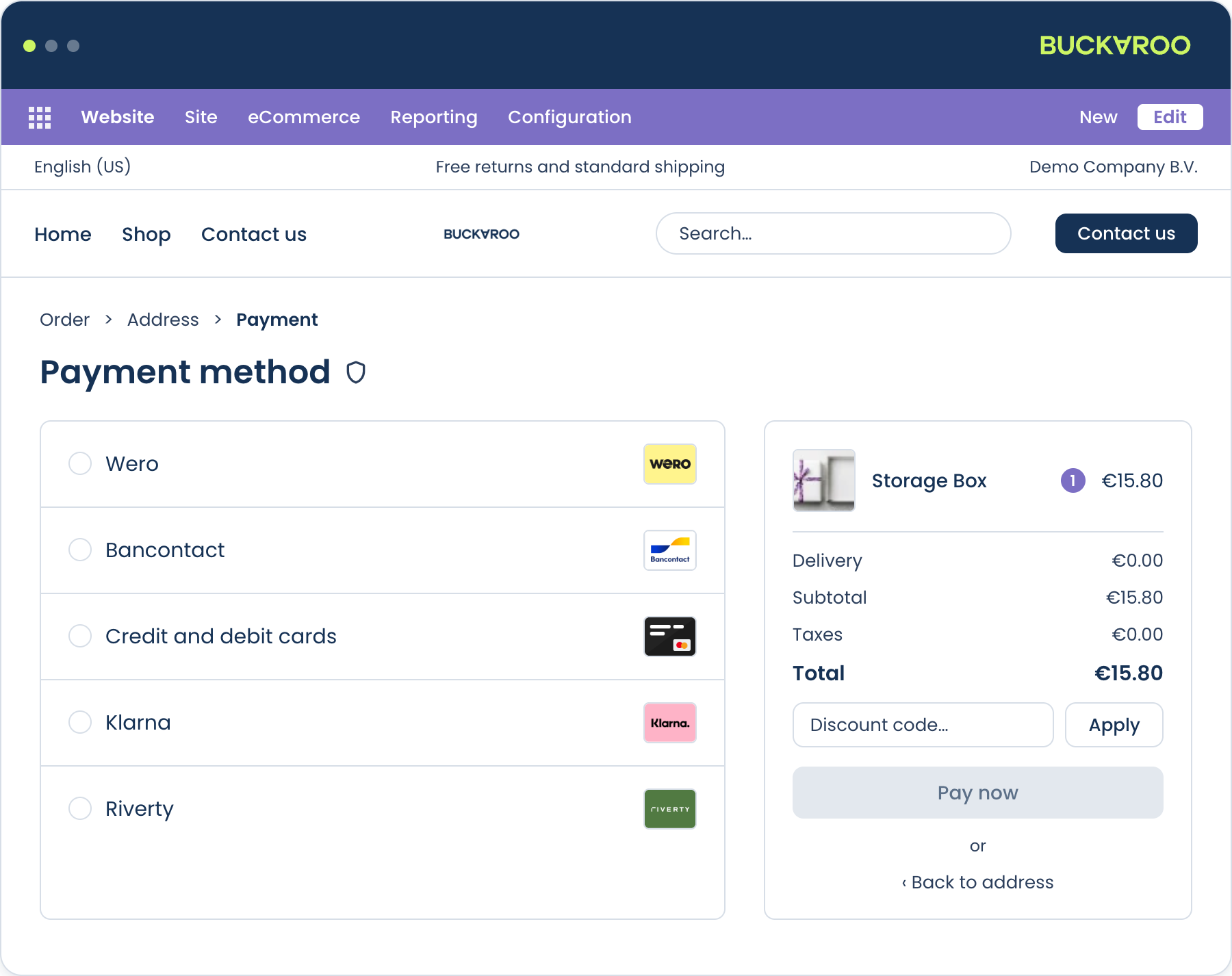
Accept 30+ payment methods in your Odoo webshop, including Wero, cards, Bancontact, Klarna and Riverty, with one app and one contract.
The Buckaroo app for Odoo connects your webshop to the Buckaroo payment gateway. It plugs into Odoo's own payment framework and handles the full payment lifecycle: presenting payment methods in checkout, processing the payment, receiving the result via push message, and keeping your Odoo transaction and order status in sync. Refunds and captures can be triggered from the Odoo back office without logging in to Buckaroo Plaza.
The app is open source and available on GitHub and in the Odoo Apps store.
Features
- 30+ local and international payment methods: Wero, Visa, Mastercard, Bancontact, PayPal, Klarna, Riverty and more, including Buy Now Pay Later
- Hosted Fields: card entry inside your own checkout, no redirect
- Express checkout with Apple Pay, Google Pay and PayPal, on the product page and in the cart
- Giftcards with partial payment: the balance comes off the order and the remainder is paid with another method
- Refunds and partial refunds directly from the Odoo credit note
- Authorise and capture: reserve at checkout, collect when you ship
- Payment fees per method: a fixed amount or a percentage, shown to the customer before they choose
- Available in English, Dutch, German and French
Supported versions
This documentation covers the latest release of the app, which supports:
| Odoo | 19.0 |
| Editions | Community and Enterprise |
| Hosting | Odoo.sh and self-hosted |
Odoo Online is not supported. The odoo.com SaaS platform does not allow custom apps to be installed, so the Buckaroo app cannot run there. Use Odoo.sh or a self-hosted installation instead.
Each Odoo version has its own branch in the GitHub repository. See GitHub Releases for the current version number and changelog.
How it works
- A customer reaches your checkout. The app presents the Buckaroo payment methods available for that order.
- The customer selects a method and places the order. Odoo creates the transaction in a pending state.
- The app sends a transaction request to Buckaroo. Depending on the method, the customer is redirected to their bank or payment app, or completes the payment inline via Hosted Fields.
- Buckaroo processes the payment and sends a push message to your store confirming the result.
- The app verifies the push, updates the transaction and order, and creates the payment record.
Step 4 is where things most often go wrong. The push message is what turns a paid transaction into a paid order. If your server can't receive it, payments succeed at Buckaroo while orders sit pending in Odoo.
The app handles the push URL for you, but you do need to allow Buckaroo's IP addresses through your firewall. See Connect your Buckaroo account.
Get started
You need a Buckaroo account. If you don't have one yet, sign up. You can start testing while your application is reviewed.
The app is published on the Odoo Apps store.
- Install the app
- Connect your Buckaroo account
- Configure the app
- Enable your payment methods
- Test and go live
Updated about 1 month ago