

Buckaroo Accounting
Availability: Buckaroo Accounting is available for Buckaroo Plaza merchants only. It is not yet available in My Buckaroo
Introduction
Buckaroo Accounting is an integration that connects your accounting or bookkeeping software directly to your Buckaroo account. It's built in partnership with Bizcuit, a Dutch provider of integrations with the most common bookkeeping software packages used in the Netherlands.
Once connected, the payments, costs, and payouts processed through Buckaroo are automatically shared with your accounting software, so you no longer have to enter or reconcile them manually.
Because Bizcuit powers the connection to your bookkeeping software, you may see the Bizcuit name or logo appear during setup and inside your accounting package.
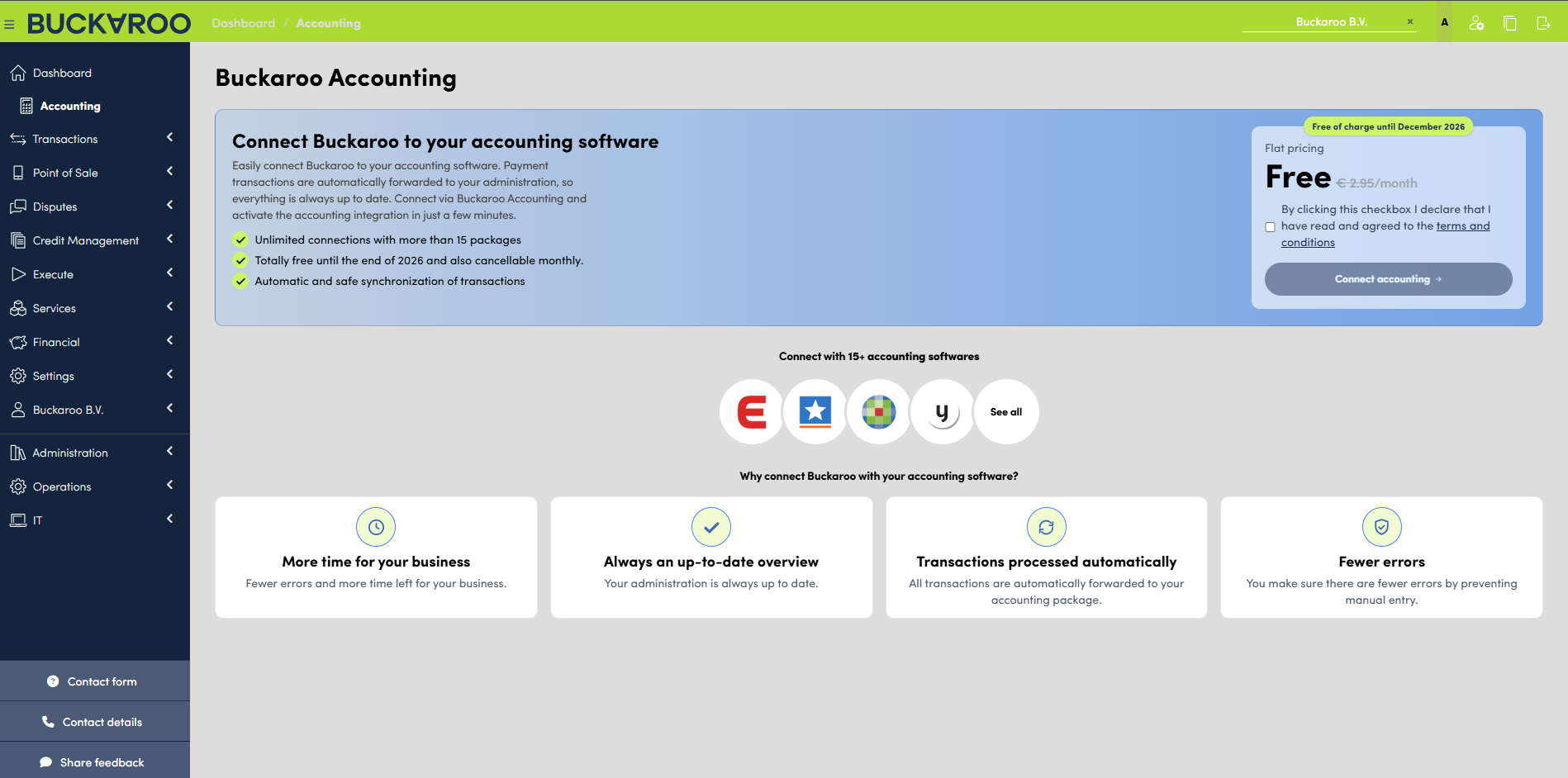
What Buckaroo Accounting does for you
- Automatically synchronizes your Buckaroo financial mutations (payments, costs, payouts, refunds, and corrections) to your connected accounting software.
- Removes the need for manual bookkeeping entry and reconciliation of Buckaroo transactions.
- Supports the most commonly used Dutch bookkeeping packages.
- Uses a secure, consent-based connection. You decide which accounting software to connect and explicitly authorize the data sharing.
Connecting your accounting software
-
In Buckaroo Plaza, select the accounting/bookkeeping software package you use from the list of supported integrations.
-
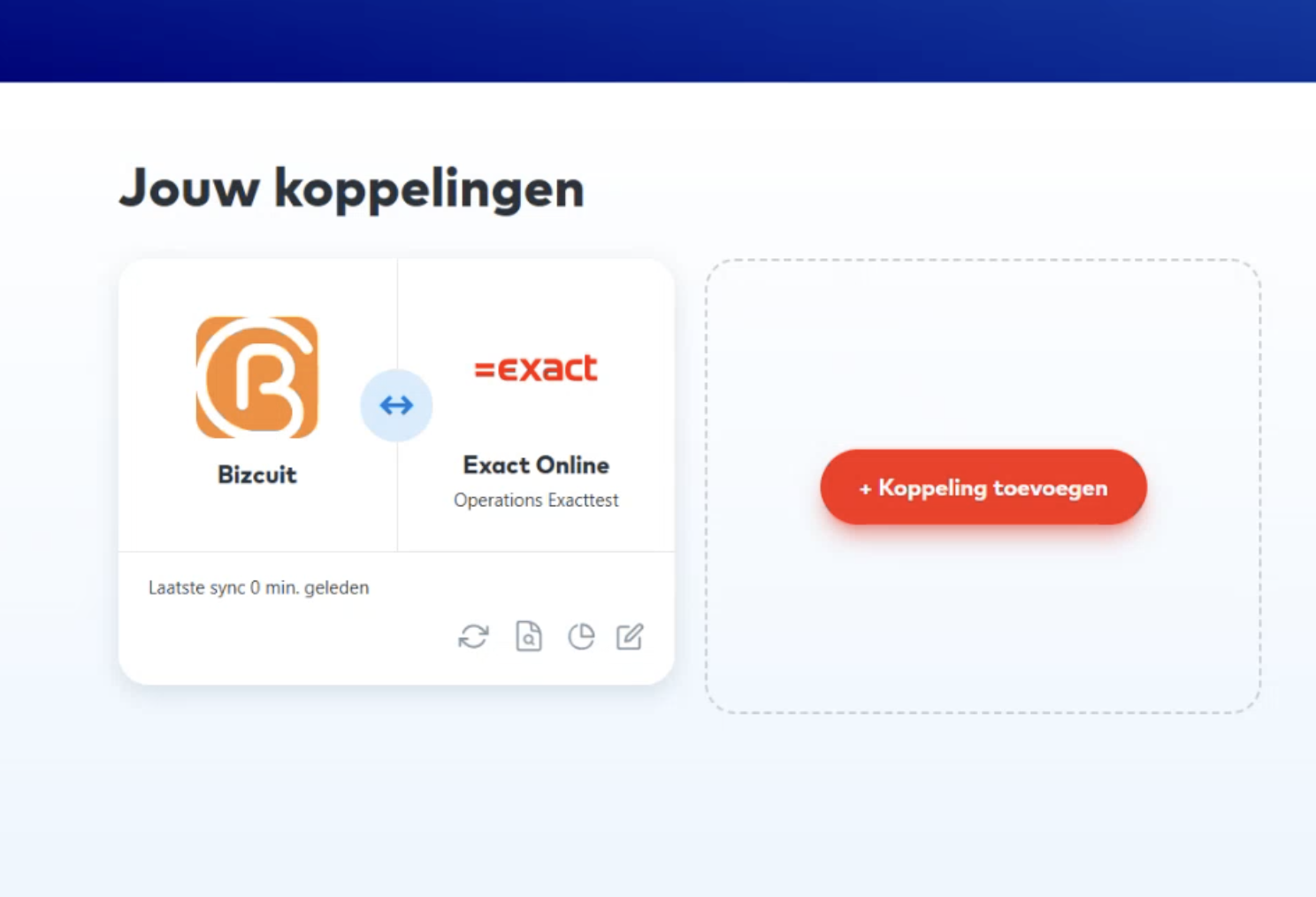
You'll be redirected to a "step out" page hosted by your accounting software, where you log in and give permission (consent) for data to be shared with Bizcuit.
-
Once you've granted permission, the connection is active and your Buckaroo financial mutations will start being synchronized automatically.
No separate setup is needed to connect your Buckaroo (virtual) account itself, that part is already arranged between Buckaroo and Bizcuit. You only need to complete the consent step for your accounting software.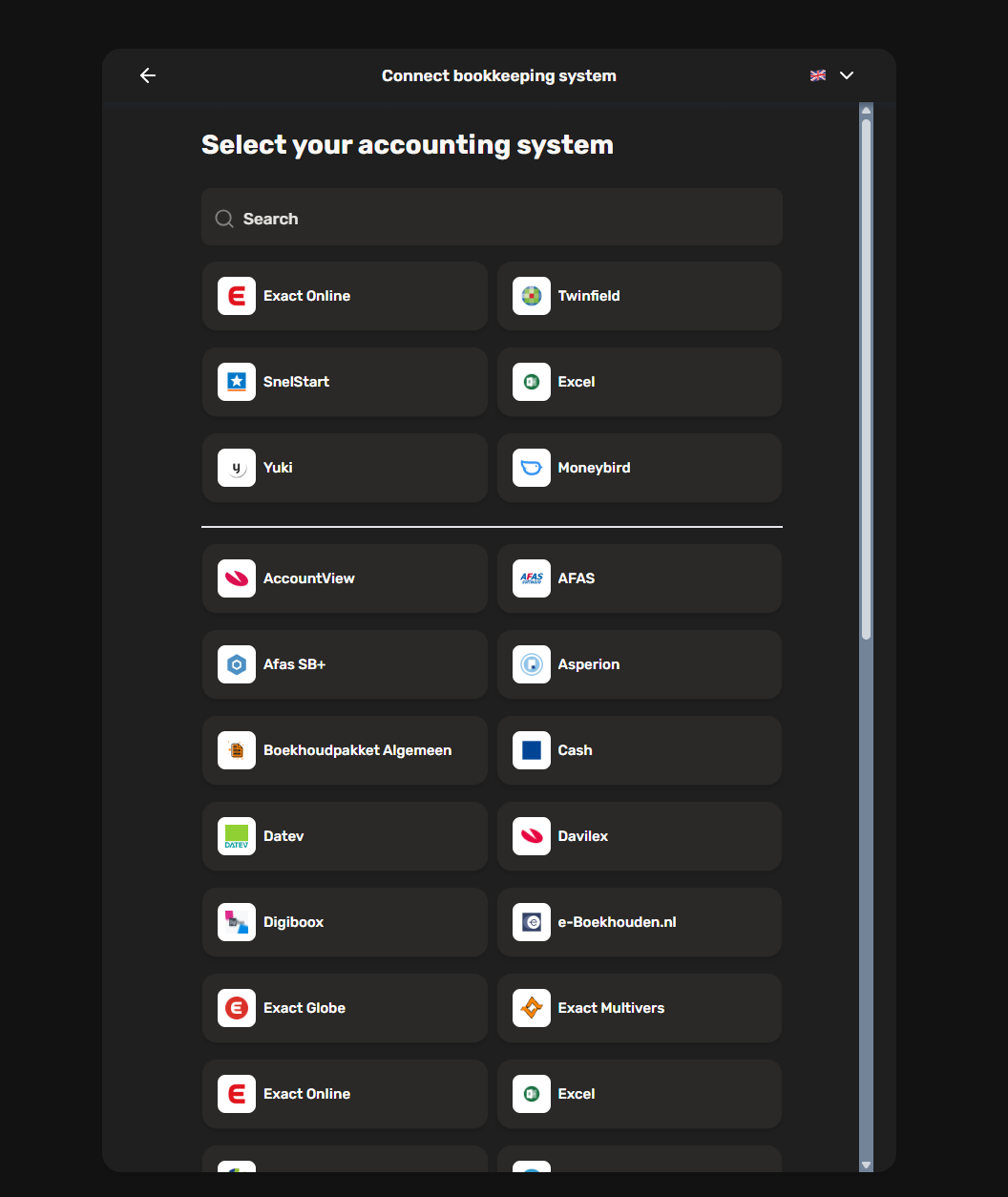
What gets synchronized
Once connected, the following types of financial mutations on your Buckaroo (virtual) account are synchronized to your accounting software:
| Mutation | Description |
|---|---|
| Payment revenue (+) | Revenue from processed payments, linked to the related sales order |
| Cost deduction (–) | Buckaroo transaction costs, consolidated per day and linked to your Buckaroo invoice |
| Settlement (–) | Payouts from Buckaroo to your bank account |
| Refund (–) | Refunds issued to your customers, linked to the related credit note |
| Storno / chargeback (–) | Reversed or disputed payments |
| Manual corrections (+/–) | Any manual adjustments made to your account |
Good to know:
- Cost deductions are calculated once per day (not per individual transaction), since the exact Buckaroo invoice reference is only available after your monthly invoice is created.
- POS transactions are paid out gross by Buckaroo (i.e. before deducting costs), with the exception of AMEX (American Express) transactions.
Data & privacy
Only the minimum information needed to synchronize your financial data is shared with Buckaroo Accounting. No personal details (such as a director's or owner's date of birth) are required to set up the connection. The integration can optionally use your email address so Buckaroo Accounting can notify you if a synchronization error occurs.
Frequently asked questions
Which accounting software packages are supported?
Buckaroo Accounting can be integrated with more than 35 accounting software packages, including the following commonly used integrations:
- AFAS
- Cash
- Exact online
- Moneybird
- Snelstart
- Twinfield
- Yuki
Can I connect more than one Buckaroo account?
Yes. If you have multiple Buckaroo (virtual) accounts, each one can be connected to your accounting software separately.
Can I disconnect the integration later?
You can cancel your subscription at any time with one month’s notice.
Will my historical transactions also be synchronized, or only new ones from the moment I connect?
Historical transactions are not included.
Need help?
If you have questions about connecting your accounting software, please contact Buckaroo support.
Updated 2 days ago