

Magento 2
Accept a wide range of payment methods in your Magento 2 or Adobe Commerce store, including Wero, cards, Bancontact, Klarna and Riverty, with one plugin and one contract.
The Buckaroo plugin for Magento 2 connects your store to the Buckaroo payment gateway. It handles the full payment lifecycle: presenting payment methods in checkout, processing the payment, receiving the result via push message, and keeping your Magento order status in sync. Refunds, captures and cancellations can be triggered from the Magento admin without logging in to Buckaroo Plaza.
The plugin is open source and available on GitHub.
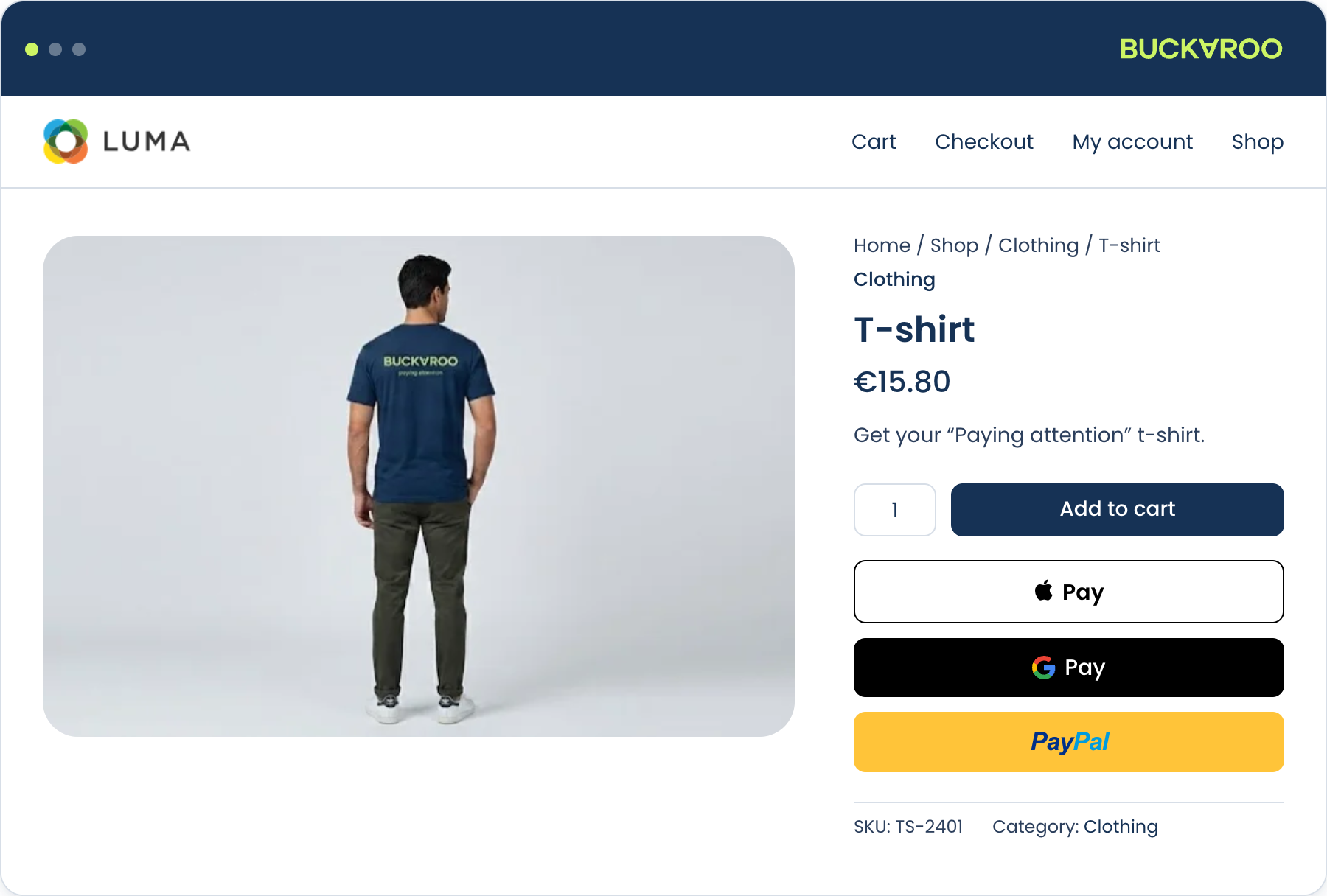
Integration options
You can integrate the plugin in three ways, depending on your storefront.
| Luma / native checkout | Hyvä | Headless (GraphQL) | |
|---|---|---|---|
| What you install | Base plugin | Base plugin + Hyvä module | Base plugin + GraphQL module |
| Effort | Install and configure | Install and configure | Build your own checkout |
| Best for | Standard Magento stores | Stores already on a Hyvä theme | PWA and custom storefronts |
| What you build | Nothing extra | Nothing extra | Your own checkout, using GraphQL |
Hyvä comes in two flavours: Hyvä Checkout (the Hyvä-native checkout) and Hyvä React Checkout (the React-based open-source checkout). See Additional modules for which one you need.
Features
- A wide range of local and international payment methods: Wero, Visa, Mastercard, Bancontact, PayPal, Klarna, Riverty and more, including Buy Now Pay Later
- Hosted Fields: card entry inside your own checkout, no redirect
- Express checkout with Apple Pay, Google Pay and PayPal
- Refunds and partial refunds directly from the Magento admin
- Second Chance: recover abandoned payments with automatic reminder emails sent from your store
- GA Client ID tracking: carries Google Analytics identifiers through the payment redirect so attribution survives
- Multi-store support: separate keys, methods and currencies per store view
Second Chance and GA Client ID tracking are part of the plugin, not separate downloads. See Built-in features.
Supported versions
The Magento and PHP versions the plugin supports are listed on the repository and with each release. Checking there rather than here means you are reading the requirements for the version you are about to install.
The plugin works with Magento Open Source, Adobe Commerce and Adobe Commerce Cloud.
Keeping up to date
We aim to support the three most recent Magento releases. As Adobe ships a new version, support moves forward with it and the oldest drops off.
Practically, that means staying reasonably close to current on Magento. On older releases the plugin may still work, but it is not tested against them and new payment methods may not behave as expected.
Two things follow from this:
- Check plugin compatibility before you upgrade Magento, not after.
- Keep the plugin updated. New payment methods, scheme changes and security fixes all arrive through releases.
How it works
- A customer reaches your checkout. The plugin asks Buckaroo which payment methods are available and renders them.
- The customer selects a method and places the order. Magento creates the order in a pending state.
- The plugin sends a transaction request to Buckaroo. Depending on the method, the customer is redirected to their bank or payment app, or completes the payment inline via Hosted Fields.
- Buckaroo processes the payment and sends a push message to your store confirming the result.
- The plugin verifies the push, updates the order status, and creates the invoice according to your configuration.
Step 4 is where things most often go wrong. The push message is what turns a paid transaction into a paid order. If your server can't receive it, payments succeed at Buckaroo while orders sit pending in Magento.
The plugin handles the push URL for you, but you do need to allow Buckaroo's IP addresses through your firewall. See Connect your Buckaroo account.
Get started
You need a Buckaroo account. If you don't have one yet, sign up. You can start building against the test environment while your application is reviewed.
- Install the plugin
- Connect your Buckaroo account
- Configure the plugin
- Enable your payment methods
- Test and go live
Updated 21 days ago