

Test and go live
Verify your integration in test mode, then work through the checklist before you take real payments.
Testing
Enable test mode
The Buckaroo plugin sets mode per payment method, not globally. For each method you want to test, open it from WooCommerce → Settings → Buckaroo Settings → Payment Methods and set Transaction mode to Test.
Test transactions use the same Store key and Secret key as live transactions. Nothing else changes, which is exactly why you need to check every method again before launch.
Use a staging site where you can. Test orders in your live store leave real orders behind, and the plugin flags them as test-mode orders on the order screen so they're at least easy to spot.
Test data
Buckaroo provides test credentials and simulated outcomes for each payment method. See Test transactions for the full set, including test card numbers and how to trigger specific results.
For most redirect methods, the test payment page lets you choose the outcome directly: success, failure, cancellation or pending.
What to test
Test the paths that break, not just the happy path.
| Scenario | What you're checking |
|---|---|
| Successful payment | Order moves to Processing, confirmation email sent |
| Failed payment | Order is failed, customer sees a usable error |
| Customer cancels at the bank | Order is cancelled, cart is restored |
| Customer closes the browser mid-payment | Push still arrives and updates the order |
| Full refund | Refund recorded, visible in Plaza |
| Partial refund | Correct amount refunded, remainder still refundable |
| Authorise then capture | Reservation at checkout, capture from the order screen |
| Payment fee | Fee line added, correct tax class, correct VAT display |
| Amount limits | Method hidden above and below its range |
| Guest checkout | Works identically to a logged-in customer |
| Both checkouts | Test on whichever of block or classic checkout you run, and on both if you're mid-migration |
| Each language | Correct translations in checkout and on the payment page |
| Mobile | Especially for wallet and app-based methods |
The "customer closes the browser mid-payment" test is the important one. It's the only test that proves your push endpoint works independently of the browser redirect, and broken push is the single most common production problem.
Methods that behave differently
Express checkout
Test on a real device, not just a desktop browser. Apple Pay needs a supported Apple device with a card in Wallet; Google Pay needs Chrome with a card saved to the Google account.
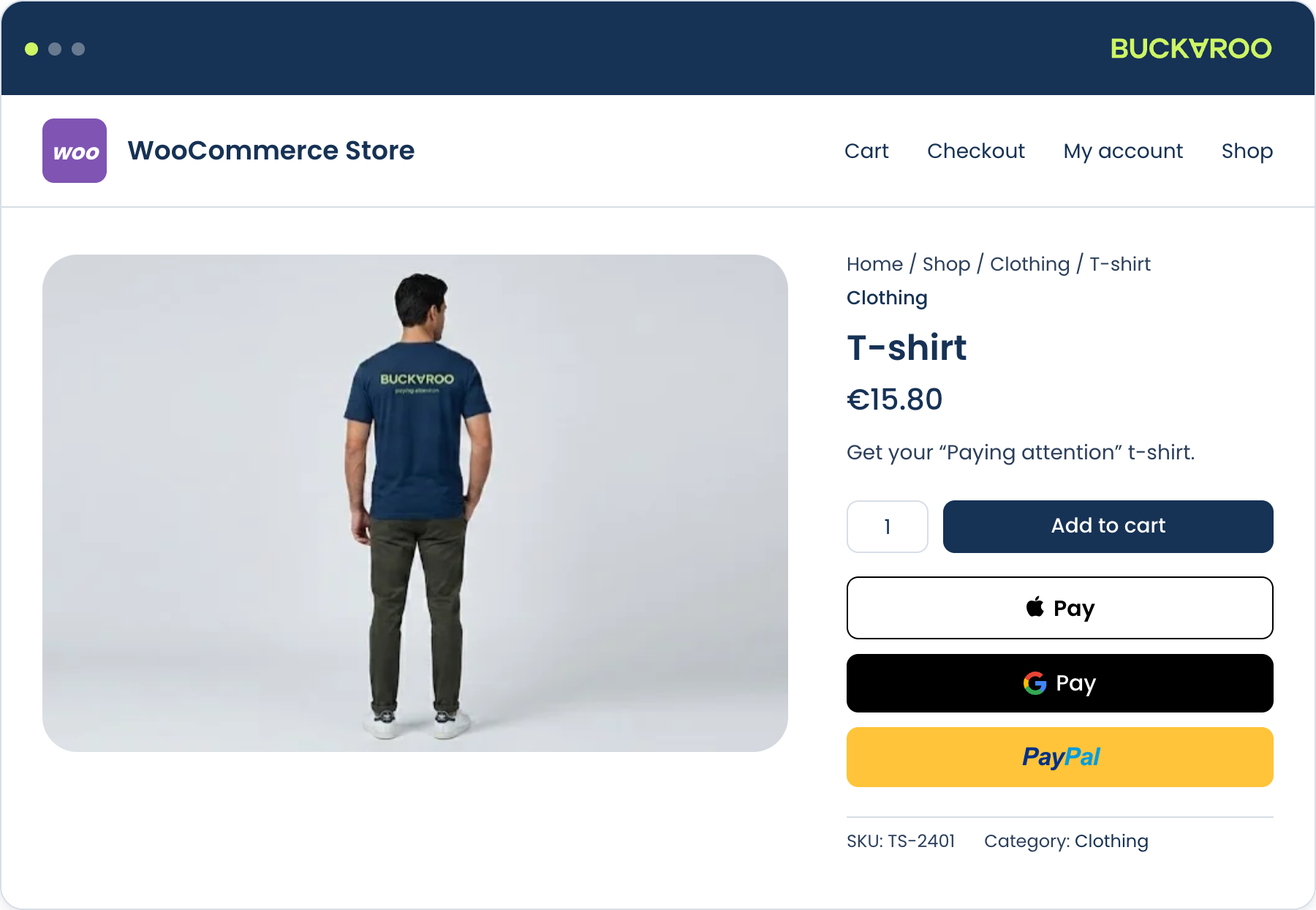
Check the button on each page selected under Show the express button on: product, cart and checkout. Confirm the shipping options offered inside the wallet match your shipping settings, and that the amount charged matches the order total.
For Apple Pay and Google Pay, also test the method as a selectable checkout payment method if List as payment method in checkout is set to Yes, since that path takes the address from your checkout form rather than from the wallet.
PayPal express
Test mode uses the Sandbox merchant ID rather than the Merchant ID. The sandbox merchant ID is optional. If you fill it in, approve the sandbox order with a sandbox buyer account that belongs to that same sandbox merchant.
Buy Now Pay Later
Klarna, In3, Billink and Riverty collect extra customer data in checkout. Test with the fields empty so you see the prompt, and confirm a declined risk assessment leaves the customer able to choose another method.
For Riverty, if you use the B2B customer type, test with and without a company name in the checkout, since that's what makes the method appear.
Bank Transfer and PayPerEmail
Both leave the order on hold on purpose. Confirm the order is created, the bank details or the payment link reach the customer, and the order moves to processing once the payment completes in the test environment.
For Bank Transfer, check that the payment instructions actually reach the customer. Both display options are off by default.
Cards with Hosted Fields
Hosted Fields needs HTTPS. Test on a staging site with a valid certificate, not a self-signed one, or the inline form will not load and you'll be diagnosing the wrong problem.
iDIN
If you use age verification, set iDIN mode to Test and check that verification triggers only for the product categories you selected, and that a verified customer can continue to checkout without being asked twice.
Penny tests
Test mode proves the integration works. It doesn't prove your live configuration works, because live keys, your live contract and settlement are all different things.
Once a method is switched to Live, place a real order for the smallest amount you can and pay for it yourself. Do this for every method you're able to use personally, not just one.
For each method, check that:
- the order reaches the right status. A paid order should show as
Processing, not sitOn hold - the transaction appears in Plaza under your live account, with the same amount and status
- refunding from the order screen returns the money
Then refund it. You get the amount back minus any transaction fee, which is a small price for knowing the full loop works: payment, push, order status, refund, settlement.
You won't be able to test everything yourself. Buy Now Pay Later methods, or methods tied to a country where you don't hold an account, will have to rely on test mode. Cover what you can.
Go-live checklist
Run through this before switching the store to live traffic.
Credentials and connection
- Live Store key and Secret key entered, and Test credentials returns OK
- Push messages are enabled for your store in Plaza, under Settings → Stores → Push settings
- Buckaroo's push IPs and ports are allowlisted on your firewall or WAF.
See Push messages for the current list - Store is publicly reachable over HTTPS with a valid certificate
- Store is not behind basic authentication
- Cart and checkout pages are excluded from full-page caching
- Optional: push failure emails in Plaza. Useful for the first days after launch, though it also emails on failures that later succeed on retry
Payment methods
- Every method you intend to offer is enabled and set to Live
- No method is left on Test. Check the Payment Methods list; anything showing Test is not taking real money
- Every enabled method is active on your Buckaroo contract. You can check this in Plaza
- Express credentials filled in for Live: Apple Pay GUID, Google Pay Gateway Merchant ID and Google Merchant ID, PayPal Merchant ID. Open each express method and check it doesn't show Not configured; the Payment Methods list won't show it. See Required credentials
- BNPL provider onboarding is complete for every Buy Now Pay Later method you offer
- Method order matches how your customers actually pay, for example by what is most popular per country
- Titles and descriptions are translated for every language you serve
Configuration
- Transaction description is set and recognisable on a bank statement
- Refund description set and recognisable on a bank statement
- Payment page language set, or left on Dynamic
- Optional: amount limits set as intended
- Optional: payment fees, if used, are on the right methods with the right tax class and VAT display
- Optional: iDIN configured and scoped to the right categories, if you use it
Store health
- Plugin is on the latest version
- Debug mode is off
- WordPress cron is running, so log pruning happens
-
default_charsetis UTF-8, and the plugin shows no encoding warning - Penny tests done for every method you can pay with yourself, including a refund afterwards
After go-live
- Watch the first day of orders for anything stuck On hold
- Confirm settlement appears as expected in Plaza
- Optional: subscribe to Buckaroo status updates for incidents and maintenance
- Optional: subscribe to plugin releases on GitHub. Open the repository, select Watch → Custom, tick Releases and save. See Releases and upgrading
Updated 6 days ago