

Zakelijk op rekening
Business to business buy now, pay later by ABN AMRO

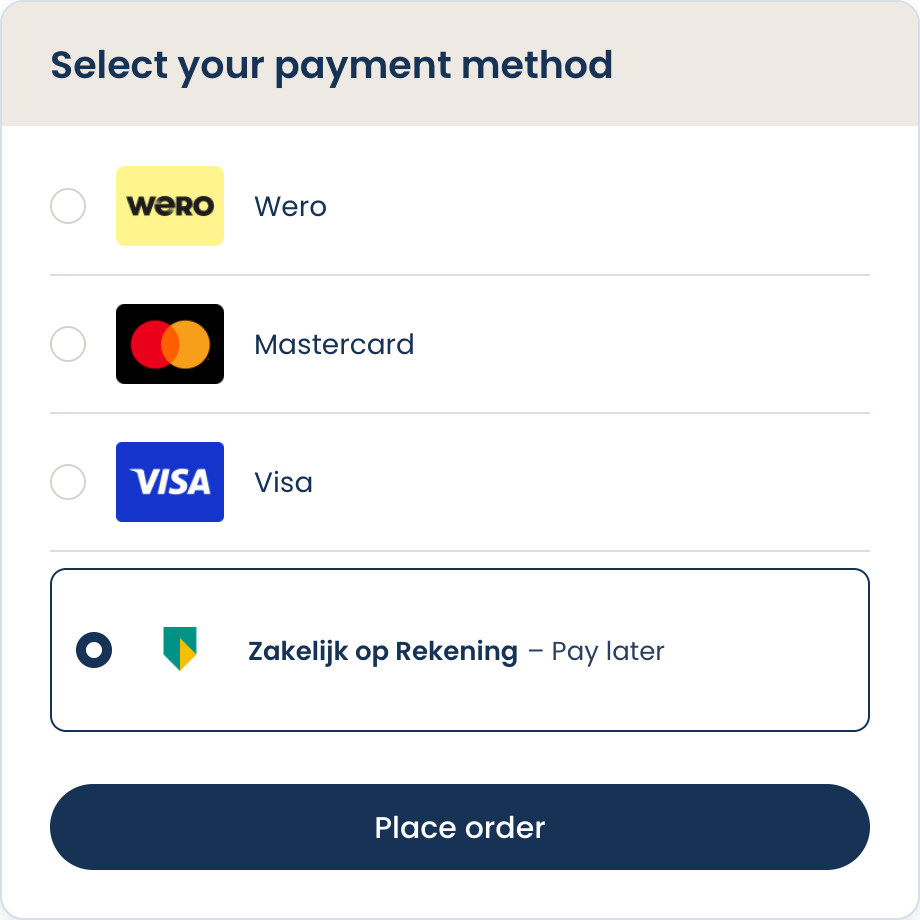
Zakelijk op Rekening is a buy now, pay later solution by ABN AMRO for business to business orders. It lets your business customers order in your webshop and pay by invoice afterwards, while you are paid by ABN AMRO. The method is also known as zakelijk op factuur, or as B2B pay on invoice.
ABN AMRO performs the credit check, the fraud and identity checks, the invoicing and the collection in the background. The insolvency risk is carried by ABN AMRO. You keep the commercial relationship with your customer.
Technically processed as In3. Zakelijk op Rekening is offered to your customers as a payment method of its own, but it is processed through the Buckaroo In3 service using the
AbnB2broute. All requests use the service nameIn3in combination with theRouteparameter. See Integration and Requests.
Business customers only. Zakelijk op Rekening can only be used for business to business orders. Consumers cannot pay with this method. Always send the billing customer
CategoryasB2B.
How it works
- Your business customer selects Zakelijk op Rekening in the checkout and provides the company details.
- ABN AMRO verifies the company identity and creditworthiness in real time. The check is performed on every order, also for returning customers.
- If the check is approved, the order is placed and the customer is redirected back to your webshop.
- You ship the order and capture the transaction.
- ABN AMRO sends the invoice to the customer by email and pays you out.
- The customer pays ABN AMRO by bank transfer within the agreed payment term.
For the buyer the method is free of charge, including when the invoice is paid late. The buyer pays 30, 60 or 90 days after invoicing, by bank transfer to ABN AMRO rather than to you. Reminders, dunning and collection are handled by ABN AMRO.
What this means for your webshop
| Topic | How it works |
|---|---|
| Payout | After the goods have been shipped and the transaction is captured |
| Debtor management | ABN AMRO handles the invoice, the reminders and the collection |
| Insolvency risk | Carried by ABN AMRO once the order is accepted |
| Credit check | Performed on every transaction, not once per customer |
| Buyer account | The buyer does not create an account |
| Merchant reporting | Transactions are visible in your Plaza account and in the ABN AMRO merchant portal |
Returns and disputes
The buyer cancels or returns an order with you, not with ABN AMRO. You report the cancellation or the return, and the invoice of the buyer is adjusted.
- A full return means the buyer no longer has to pay the invoice.
- A partial return leads to a credit note for the buyer with an adjusted amount.
- Funds already paid out to you are settled with ABN AMRO.
Disputes between you and your buyer are not handled by ABN AMRO. Your own terms and return policy continue to apply.
Characteristics
| Item | Value |
|---|---|
| Service name | In3 |
| Type | Buy now, pay later (B2B) |
| Route | AbnB2b |
| Provider | ABN AMRO |
| Customer type | Business (B2B) only |
| Country | The Netherlands |
| Currency | EUR |
| Order value | EUR 250 to EUR 25,000 |
| Payment term for the buyer | 30, 60 or 90 days |
| Availability | Dutch sellers and Dutch buyers |
| Transaction flow | Authorize and Capture |
| Refunds | Supported |
| Partial capture | Supported |
Difference with In3
In3 and Zakelijk op Rekening share the same service in the Buckaroo API, but they are different products with different flows and different target audiences.
| In3 | Zakelijk op Rekening | |
|---|---|---|
| Audience | Consumers (B2C) | Businesses (B2B) |
| Product | Payment in three installments | Buy now, pay later by invoice |
| Actions | Pay, Refund | Authorize, Capture, Refund |
| Route parameter | Not used | Route is mandatory with value AbnB2b |
A single request uses one of the two flows. The Pay action is not available for Zakelijk op Rekening, and the Authorize and Capture actions are not available for the regular In3 flow.
Checkout logo
The checkout logo is available in the Buckaroo Media repository, in PNG and in SVG. Use the SVG where possible, so the logo stays sharp on every screen density.
| Format | File | Direct link |
|---|---|---|
| SVG | Zakelijk-Op-Rekening-ABN-AMRO.svg | Media repository |
| PNG | Zakelijk-Op-Rekening-ABN-AMRO.png | Media repository |


See Payment method logos for the full overview of the available logos and the way they are hosted.
Frequently asked questions
Does the buyer need to be an ABN AMRO customer?
No. Any company registered with the Chamber of Commerce can use the method.
Can consumers use Zakelijk op Rekening?
No. The method is for business orders only.
How long does the credit check take?
A few seconds in the standard flow. Additional verification can take longer.
How does the buyer pay the invoice?
By bank transfer to ABN AMRO. Direct debit and installment payments are not available.
Does a rejected order hurt the creditworthiness of the buyer?
No. Credit information is not shared with other institutions.
Where can the buyer ask questions about an invoice?
At ABN AMRO. The contact details are stated on the invoice and in the ABN AMRO FAQ.
The full product FAQ, including the buyer terms, is available on the ABN AMRO FAQ page.
Getting started
Zakelijk op Rekening has to be enabled on your Buckaroo account and requires a contract with ABN AMRO. Contact your account manager or Buckaroo support to request activation. Once the method is active it appears in Plaza and can be enabled per store.
More information about the product, including the pricing model and the buyer conditions, is available on the ABN AMRO product page.
Updated about 1 month ago